Research-led product guide
BlueDriver Pro OBD2 Scanner: the answer in context
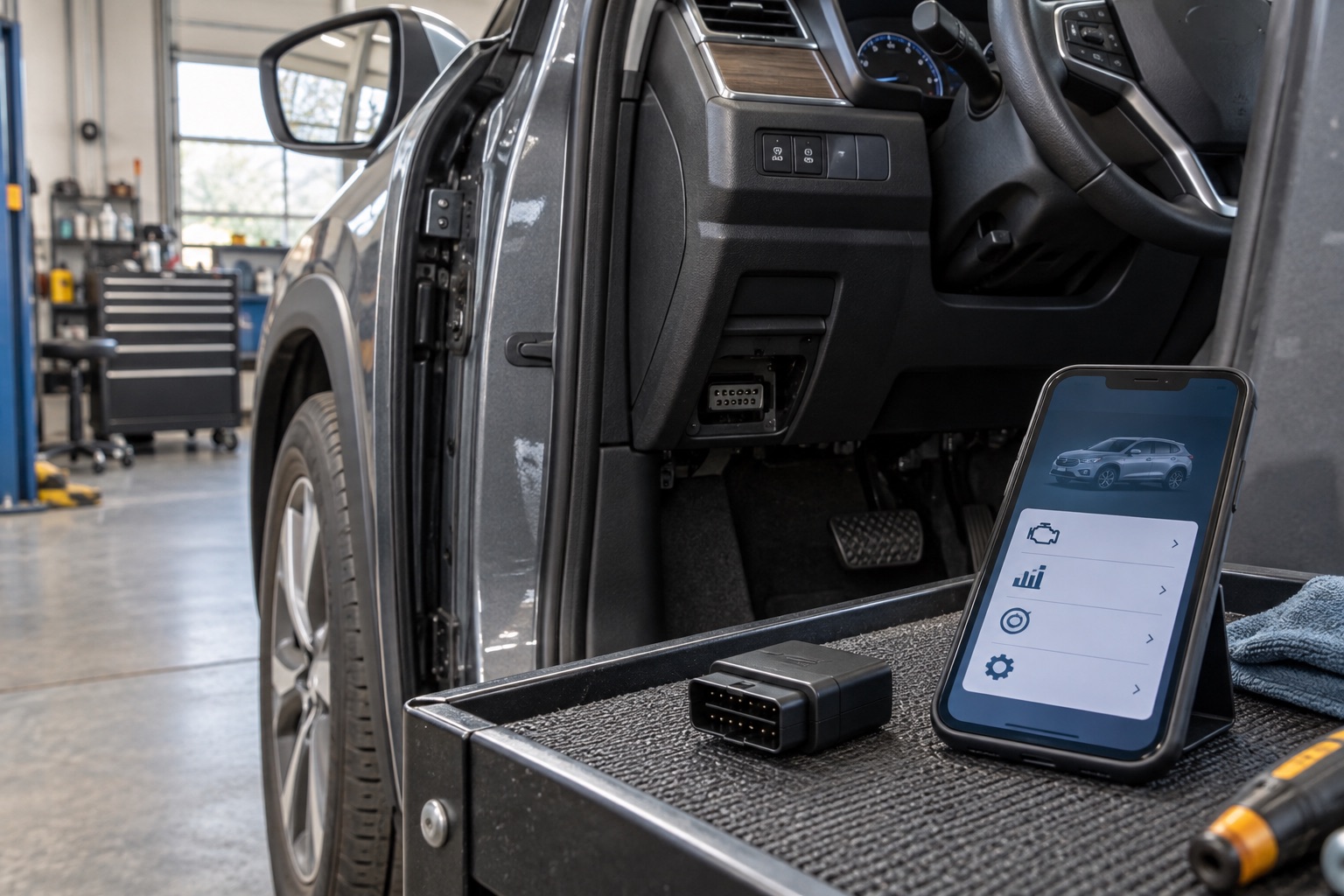
A physical OBD2 port answers only the first compatibility question. BlueDriver states broad support for 1996-and-newer cars, SUVs, and light trucks sold in North America, while access to ABS, airbags, transmission, TPMS, 4WD or AWD, hybrid systems, and service functions varies by the exact vehicle. The official checker should be used with the country of original sale, year, make, model, and engine before purchase.
- Baseline
- Standard OBD2 access on broadly compatible North American vehicles
- Enhanced access
- Manufacturer-specific systems vary by vehicle and software coverage
- Required details
- Country of original sale, year, make, model, and engine
- Phone workflow
- Compatible iOS or Android device, Bluetooth, app, and account
Our view is based on published specifications, manufacturer documentation, and category research. Where we have not performed hands-on testing, we do not imply that we have.
Compatibility has two layers
Separate standard OBD2 functions from enhanced module access
Standard OBD2 focuses mainly on engine and emissions information: check-engine codes, pending and permanent codes, freeze-frame data, readiness monitors, Mode 6 information, and supported live data. BlueDriver says these core functions work across its broad compatible-vehicle baseline. That does not mean every electronic module in the car is automatically available.
Enhanced diagnostics communicate with manufacturer-specific systems. Depending on the exact vehicle, that can include ABS and brakes, airbags and restraints, transmission, TPMS, four-wheel-drive systems, and hybrid or EV modules. If one of those systems is the reason for buying the scanner, its presence in the exact compatibility result is the decisive evidence—not a general list of supported brands.
- An OBD2 connector does not guarantee every module
- Check the exact warning system you need to scan
- Coverage can change across years and engines within one model name
Use the official checker
Enter the market where the vehicle was sold new—not where it was built
BlueDriver’s checker asks where the vehicle was originally sold because regional diagnostic requirements and module support can differ. A vehicle built in one country but sold new in the United States should be checked as a United States vehicle. Imported vehicles deserve extra attention because the same badge and model year may not expose the same functions in every market.
Complete every available field: country, year, make, model, and engine. Save or screenshot the result for the specific system that matters. If a used-car listing does not provide the engine or original market, use the VIN and vehicle records to clarify the configuration before relying on compatibility. Recheck the official tool when software coverage is the deciding factor because support can expand over time.
The phone is part of the tool
Confirm the app workflow as carefully as the vehicle
BlueDriver uses a compatible iOS or Android device and Bluetooth. Its setup guidance calls for the app, an account, Bluetooth access, and location permission on Android for connection behavior. Check current operating-system support and make sure the person who will use the scanner is comfortable relying on a phone at the vehicle.
A phone-based interface can make reports, live data, code explanations, and updates easier to organize. It also introduces battery level, screen readability, app access, and phone compatibility into the diagnostic session. A standalone reader can be the cleaner choice when the only recurring task is retrieving a generic powertrain code without an app.
What compatibility does not prove
Supported access is not the same as a confirmed diagnosis
A supported scanner can retrieve evidence from a module; it cannot make every code identify one failed part. Save the codes, freeze-frame information, readiness status, symptoms, and sequence of warning lights before clearing anything. Use repair information and live data to form testable questions, then follow correct service procedures or seek professional diagnosis.
BlueDriver should also not be confused with a broad professional bidirectional platform. Active commands, programming, coding, relearns, calibration, and manufacturer-level procedures are separate capabilities. Check the exact function rather than assuming that reading a module means every service action is available.
Frequently asked questions
What buyers ask about BlueDriver Pro OBD2 Scanner
Does BlueDriver work with every car made after 1996?
BlueDriver states broad support for 1996-and-newer cars, SUVs, and light trucks sold in North America, but region, vehicle type, and enhanced-system coverage still vary. Use the official checker for the exact vehicle.
Will BlueDriver read ABS and airbag codes?
It can read enhanced systems such as ABS and airbags on supported vehicles. Enter the exact country, year, make, model, and engine and confirm those systems in the compatibility result.
Does BlueDriver work with imported vehicles?
Compatibility depends partly on the region where the vehicle was originally sold. Imported vehicles should be checked using that original market, not merely the country where the scanner is being used.
Can BlueDriver perform programming or active tests?
Do not assume professional bidirectional, coding, programming, or calibration functions from code-reading compatibility. Verify any required service function explicitly in the current official coverage information.
Primary sources checked
Official documentation used for this guide
Specifications, software, bundles, warranties, and compatibility can change. These primary sources were checked while preparing this page; confirm the current information for the exact model before purchase.
Product links