LumeSift desk
Buying Guides
Practical buying guides for choosing consumer technology and home products by use case, compatibility, installation, and upkeep.
 Buying Guide · 13 min read
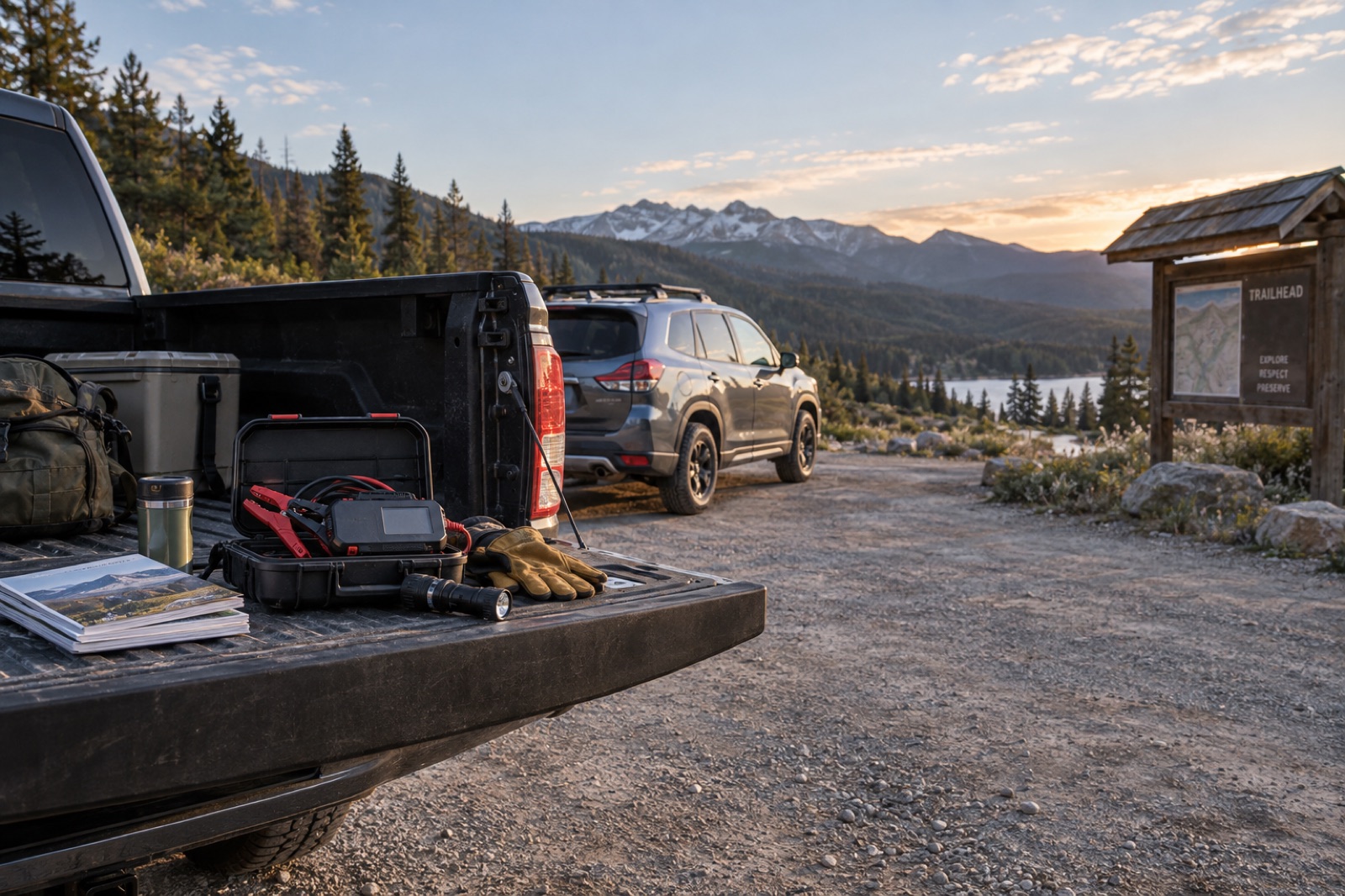
Best Jump Starter for an SUV or Truck: GP4000 vs A5
Compare the GOOLOO GP4000 and A5 for an SUV or truck, then screen 12V fit, engine size, approved jump points, clamps, cold-weather demand, and storage.
Read story →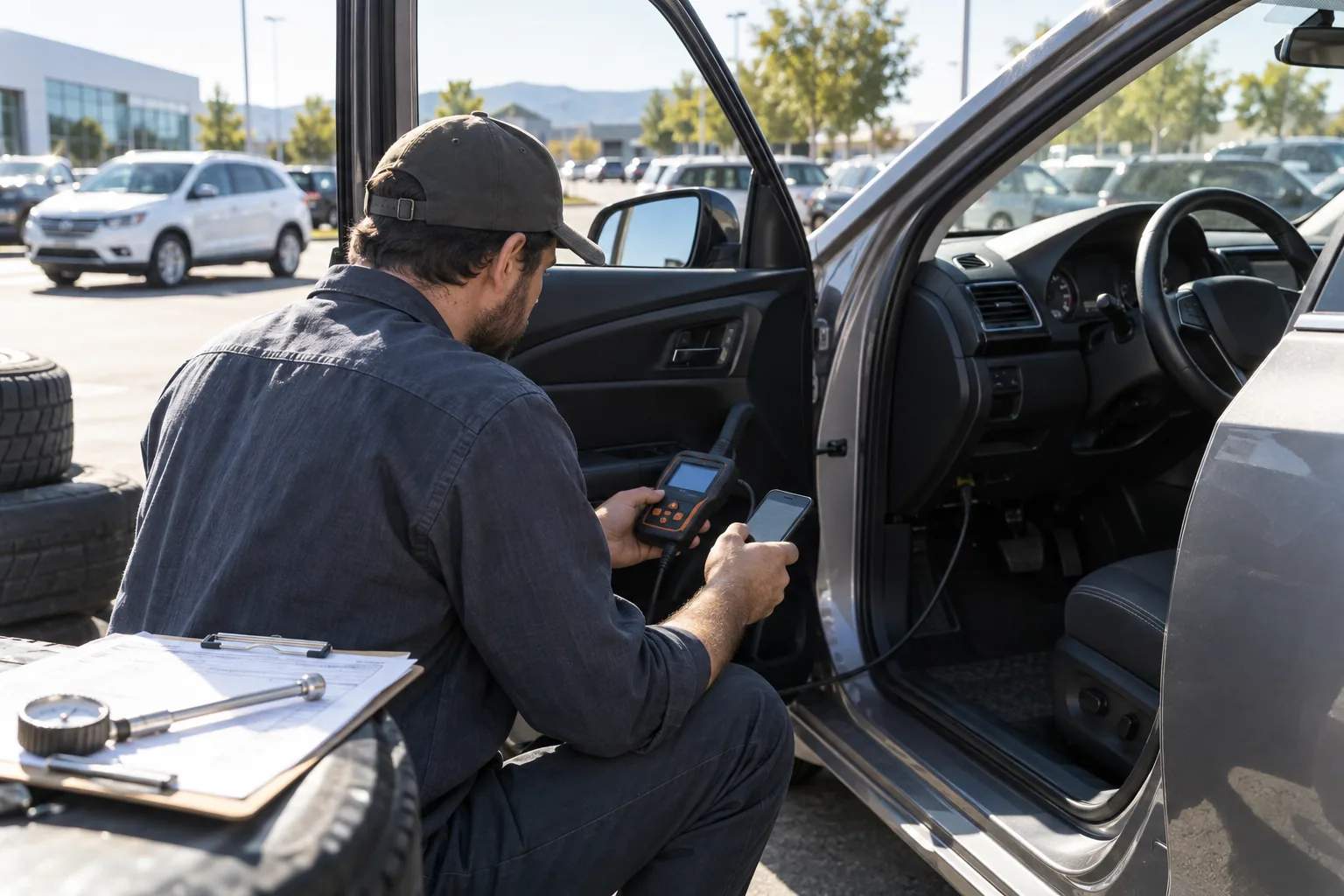 Buying Guide · 14 min read
Best OBD2 Scanner for DIY Home Mechanics: Basic vs BlueDriver vs Innova 5610
Choose the right home-garage scanner tier: a basic code reader for engine codes, BlueDriver for app-based enhanced diagnostics, or Innova 5610 for supported active tests.
Read story →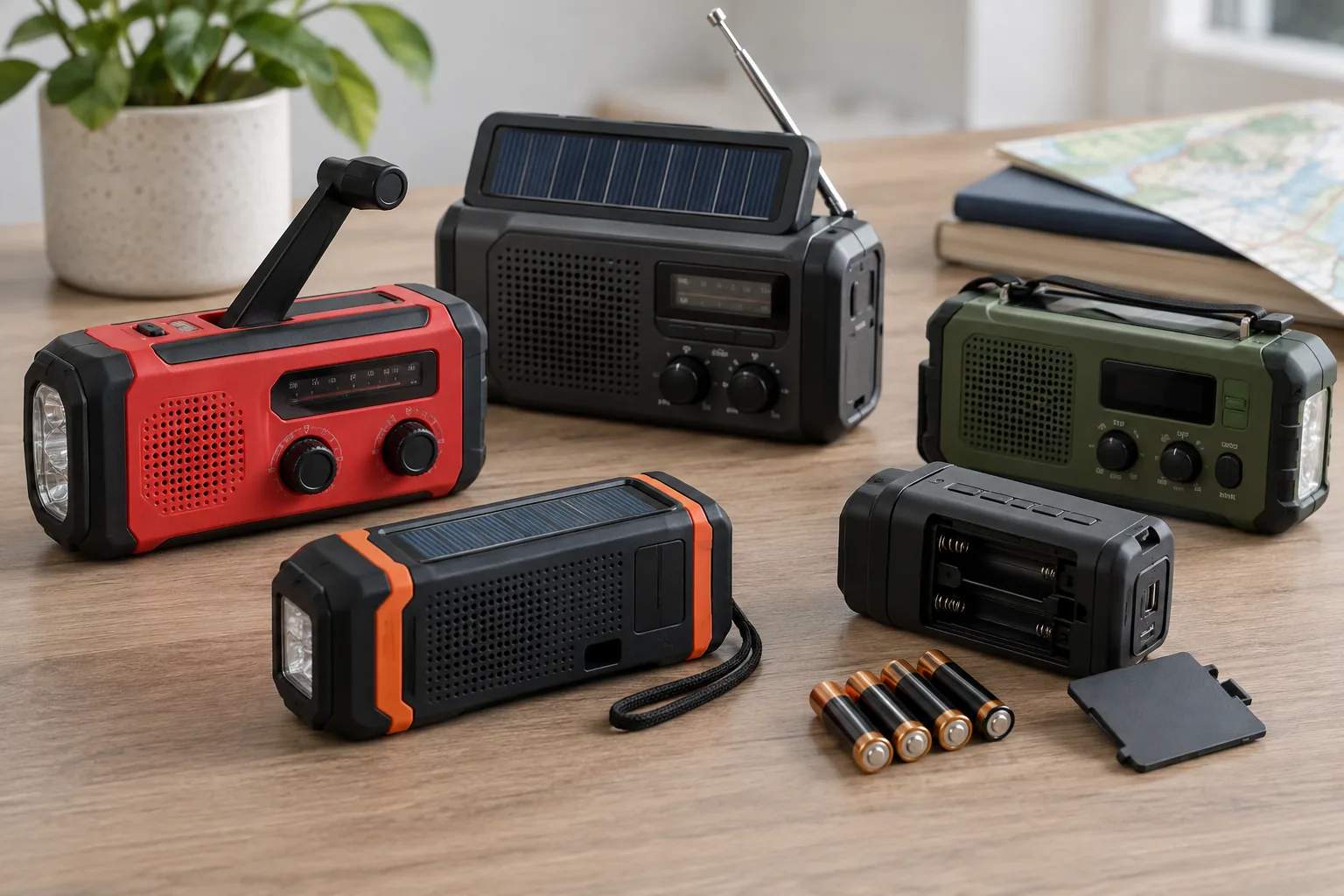 Buying Guide · 12 min read
Best emergency weather radio: reception and power guide
Choose an emergency weather radio by NOAA reception, alert behavior, batteries, crank and solar backup, lighting, controls, water resistance, and storage routines.
Read story →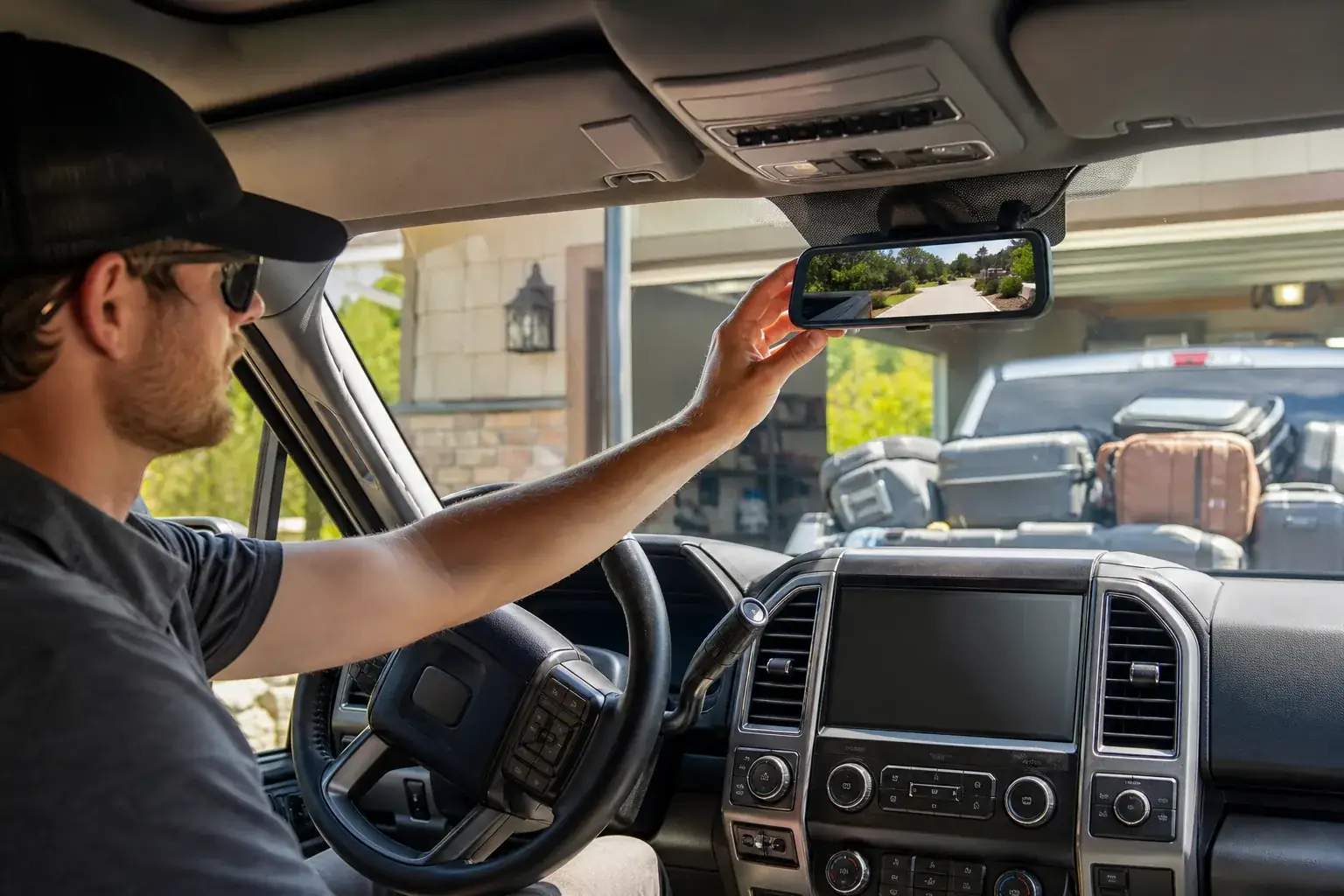 Buying Guide · 13 min read
Best mirror dash cam for your vehicle: how to choose
Choose a mirror dash cam by vehicle fit, rear-camera placement, cable length, glare, storage, app access, parking power, and total installation cost.
Read story → Buying Guide · 10 min read
BOB Duallie Width: Will It Fit Through a Door or in a Trunk?
The Revolution Flex 3.0 Duallie is 30.5 inches wide and folds to 40 × 31 × 17.5 inches with wheels on; measure the complete doorway and cargo route before buying.
Read story →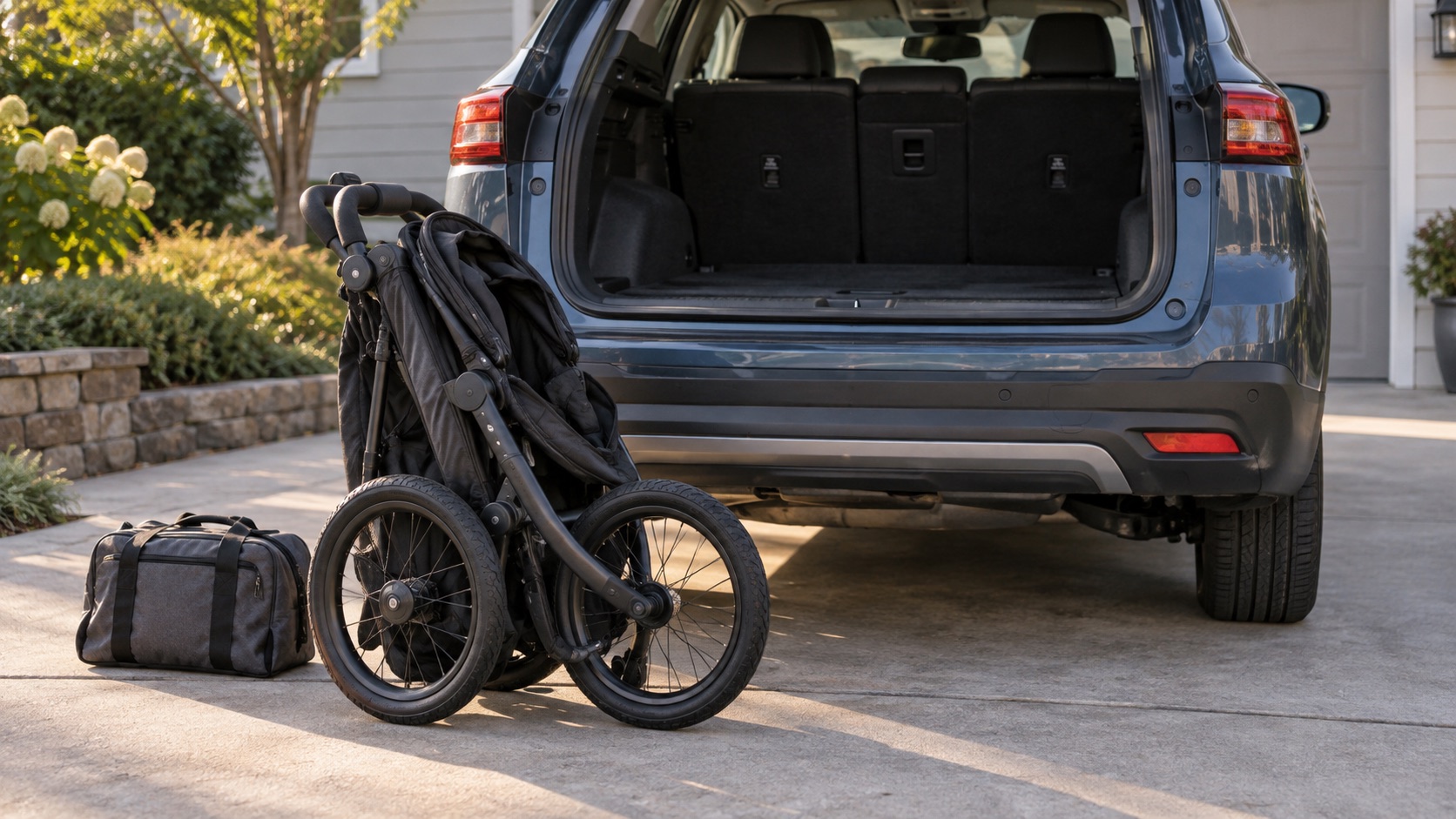 Buying Guide · 11 min read
BOB Revolution Flex 3.0 fold, trunk fit, and running setup
Plan the single stroller around cargo dimensions, wheel removal, front-wheel mode, wrist strap, tire checks, child readiness, and the first run.
Read story →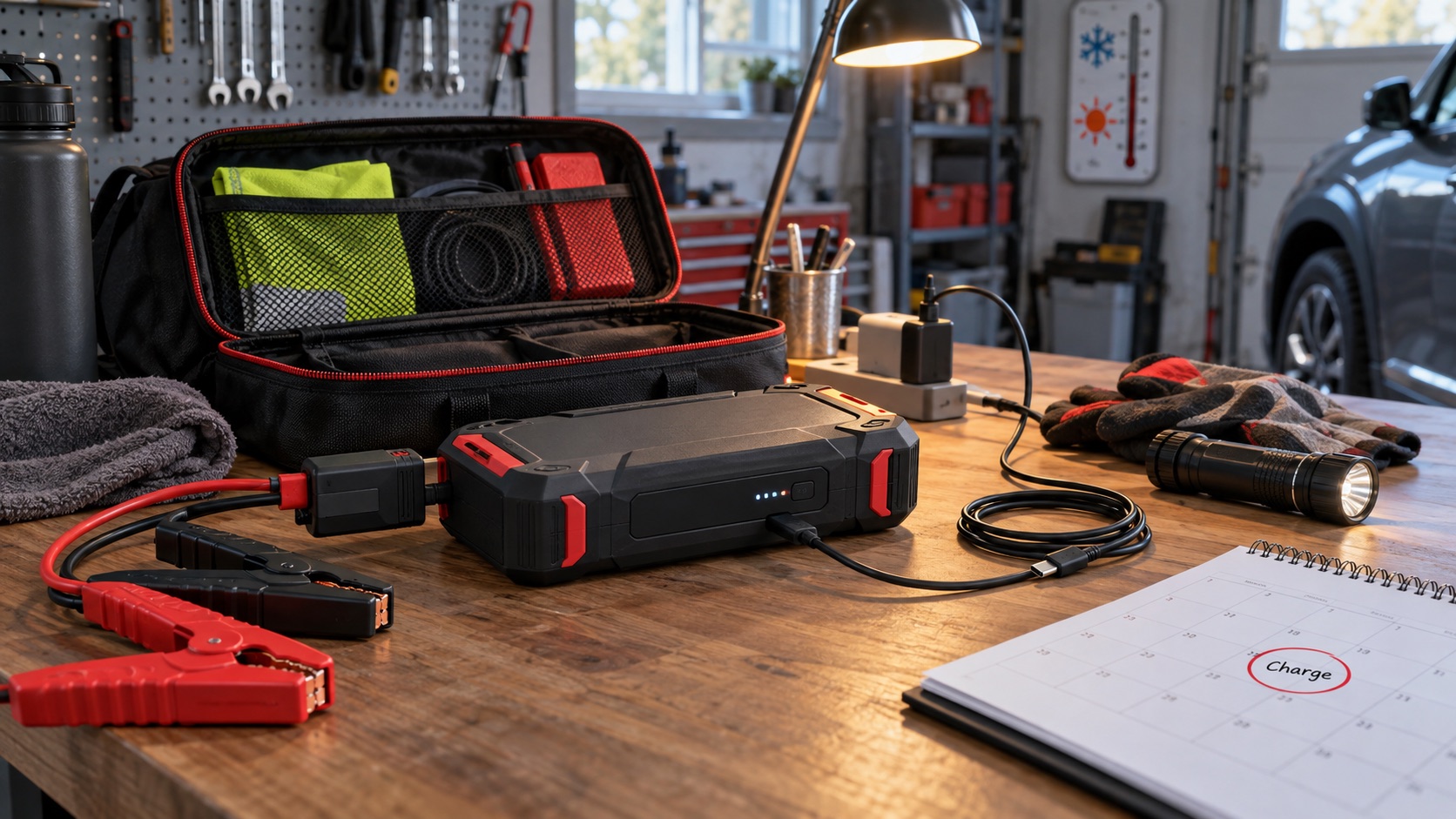 Buying Guide · 10 min read
How to charge and store the GOOLOO GP4000
Build a practical three-month charging reminder, temperature-safe storage location, cable inspection, and pre-trip readiness check for the GP4000.
Read story →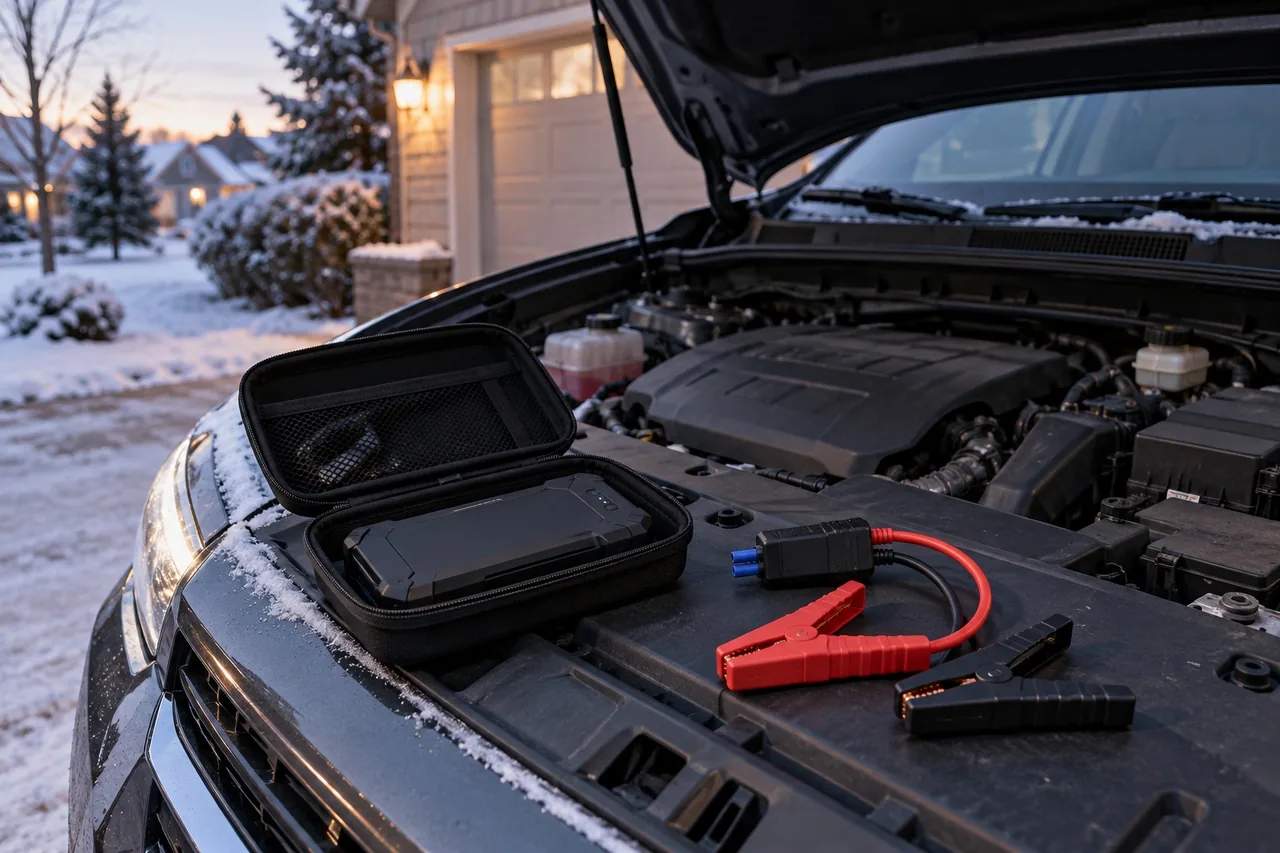 Buying Guide · 11 min read
How to use the GOOLOO GP4000: safe jump-start steps
A calm, manual-first sequence for checking the vehicle, connecting the smart clamps, reading the indicator, using BOOST only when appropriate, starting, and disconnecting safely.
Read story →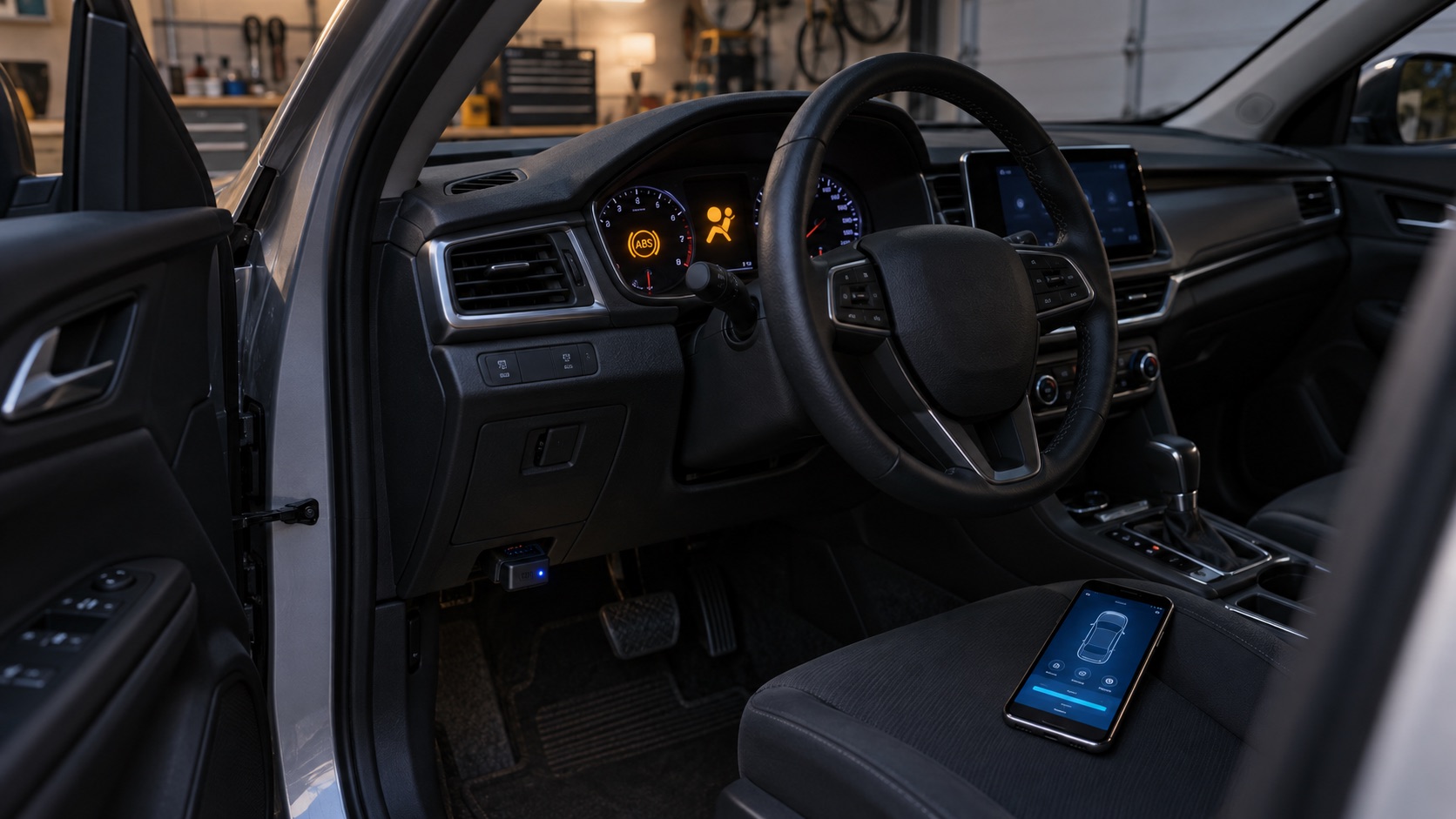 Buying Guide · 11 min read
Can BlueDriver read ABS and airbag codes?
Understand standard OBD2 versus enhanced diagnostics, verify exact vehicle coverage, preserve code evidence, and know what an ABS or SRS code can—and cannot—prove.
Read story →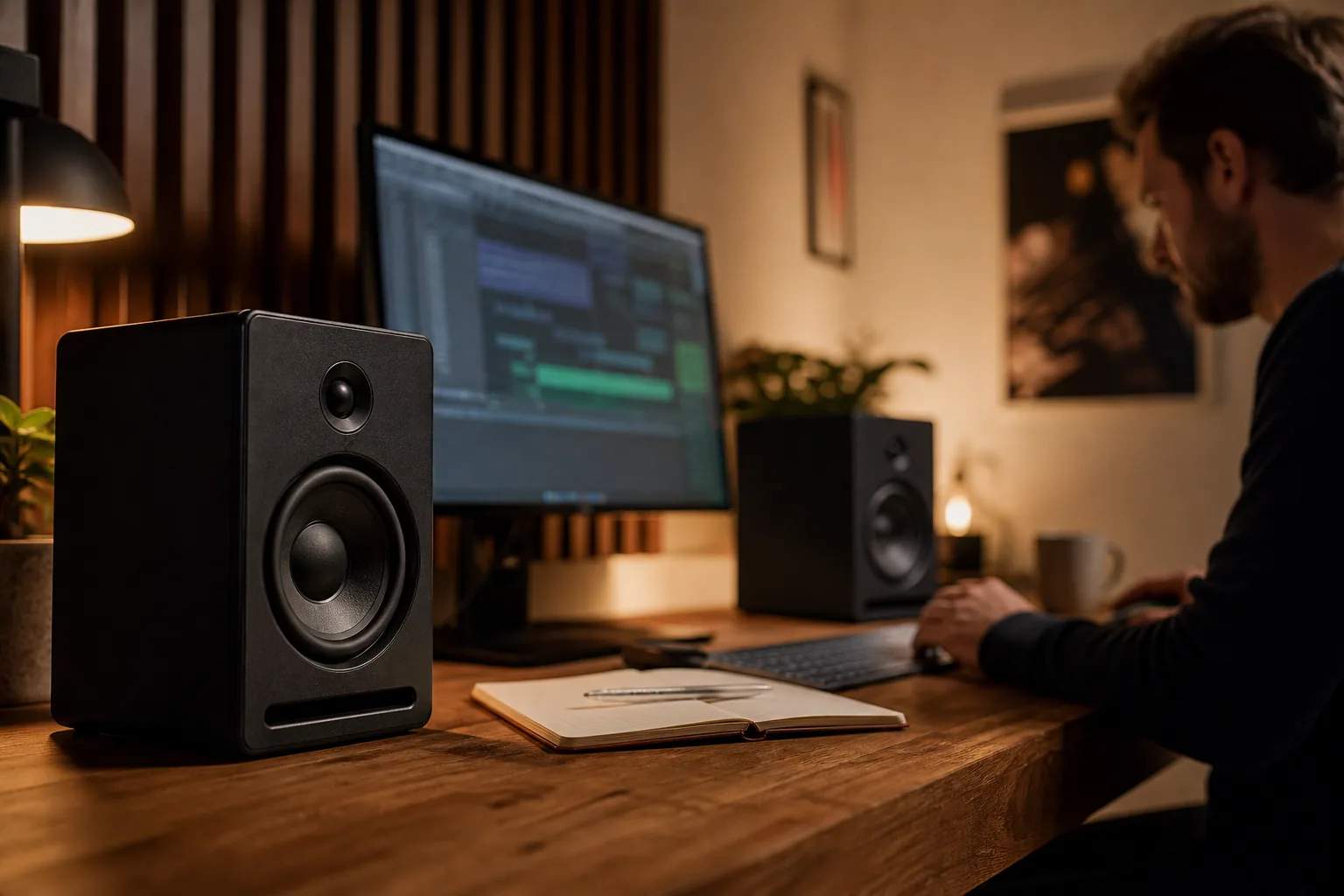 Buying Guide · 8 min read
The desk speakers worth shortlisting
A scenario-first guide to better near-field sound without turning your workspace into a studio.
Read story →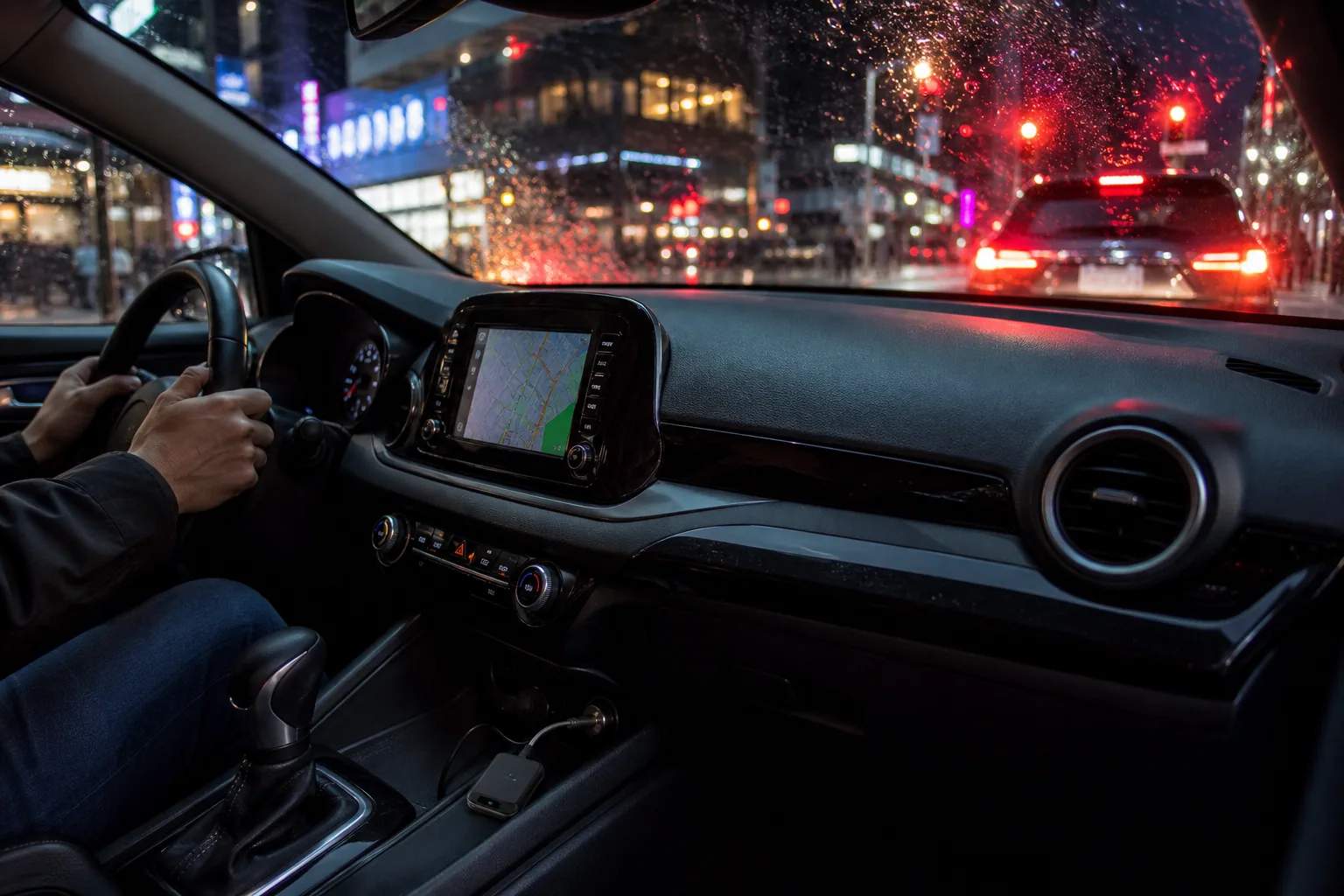 Buying Guide · 8 min read
Wireless CarPlay adapters: what matters beyond a tidy dashboard
A practical way to compare boot time, reconnection behavior, and vehicle compatibility.
Read story →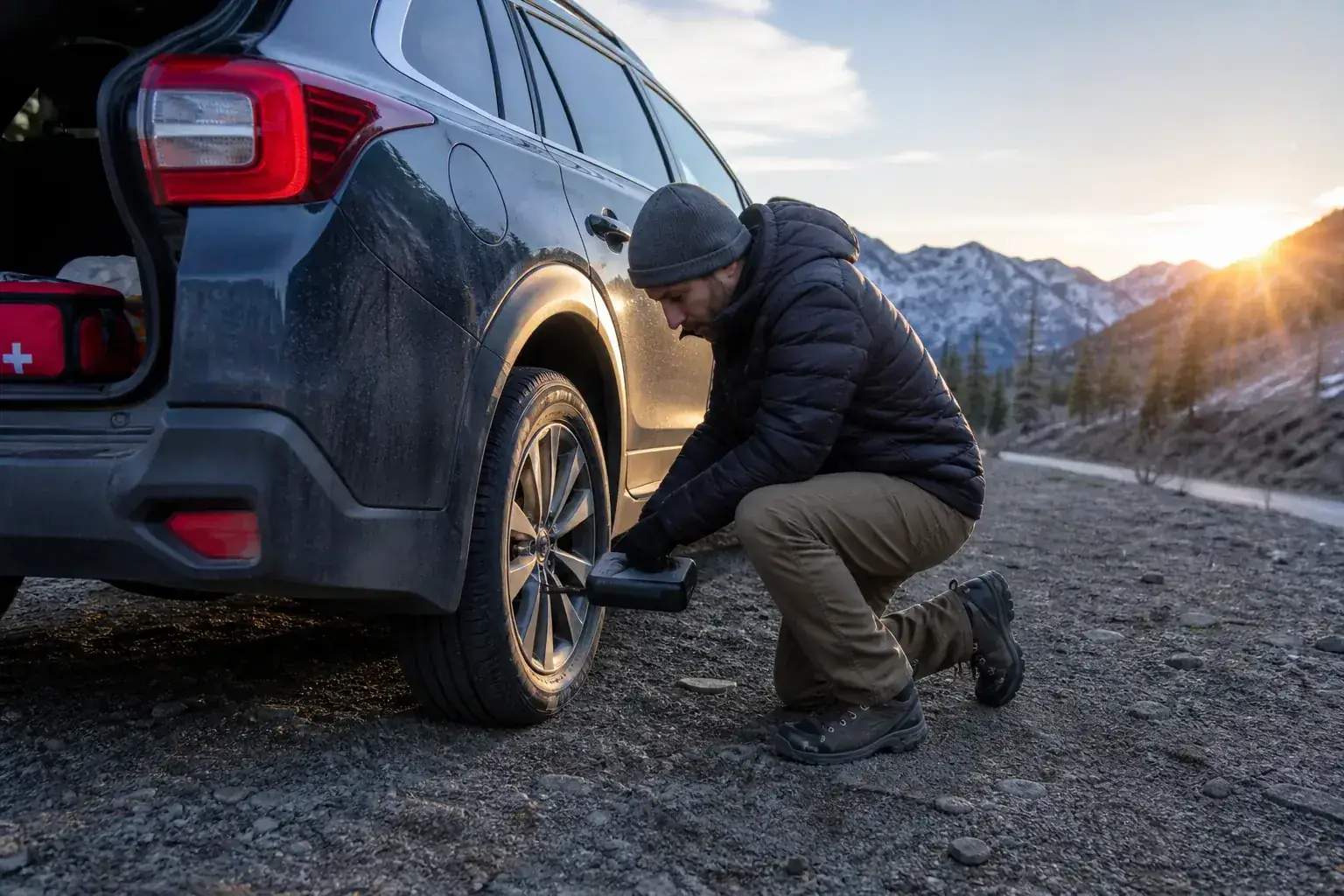 Buying Guide · 8 min read
Compact tire inflators: the features worth carrying
How to choose emergency inflation gear by power source, hose reach, and storage footprint.
Read story →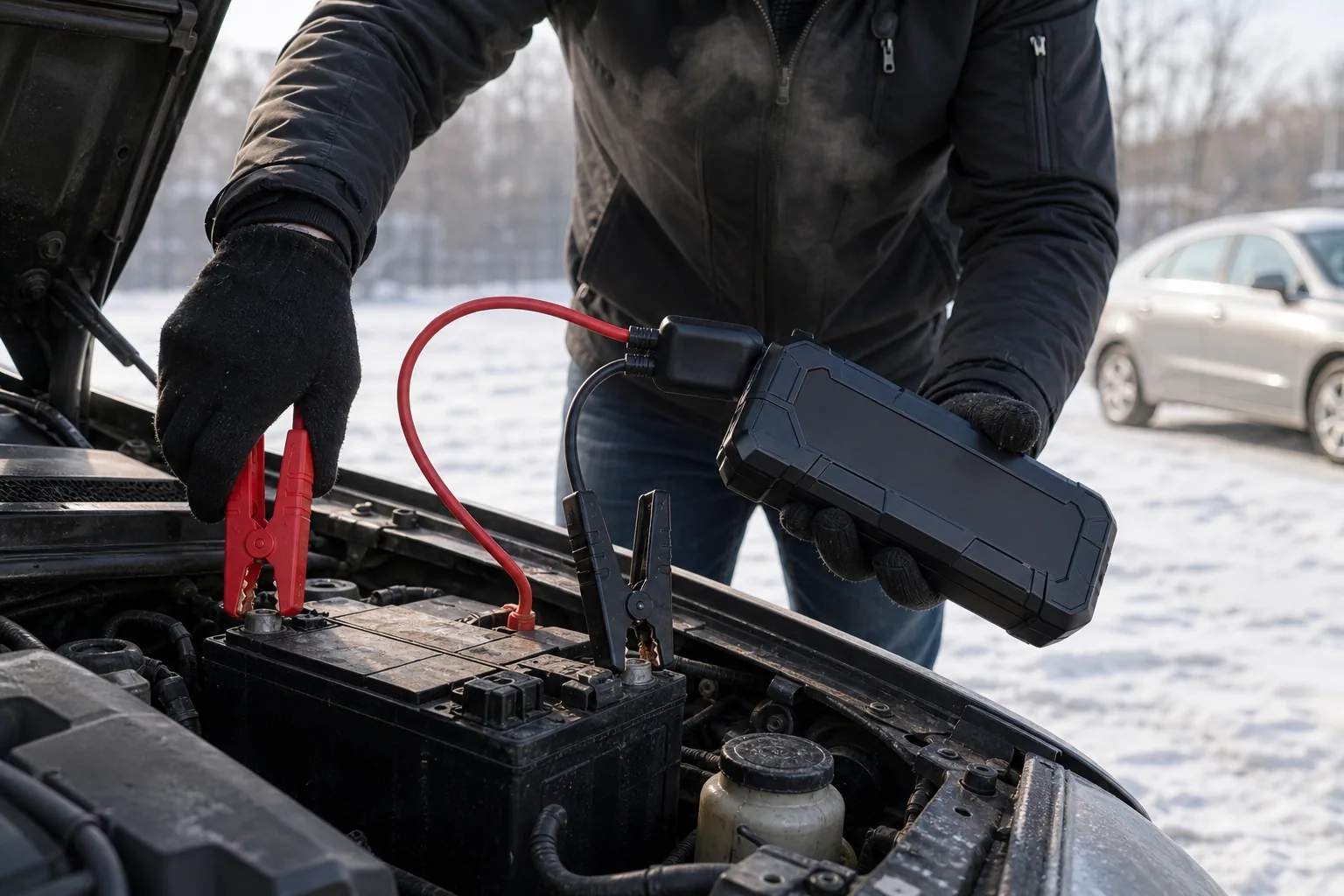 Buying Guide · 9 min read
Lithium jump starters: how to size a safer backup plan
Start with engine compatibility, clamp design, storage temperature, and maintenance—not marketing bravado.
Read story → Buying Guide · 7 min read
Handheld fans: choosing useful cooling without the gimmicks
Airflow, grip, noise, charging, and battery tradeoffs for personal summer cooling.
Read story →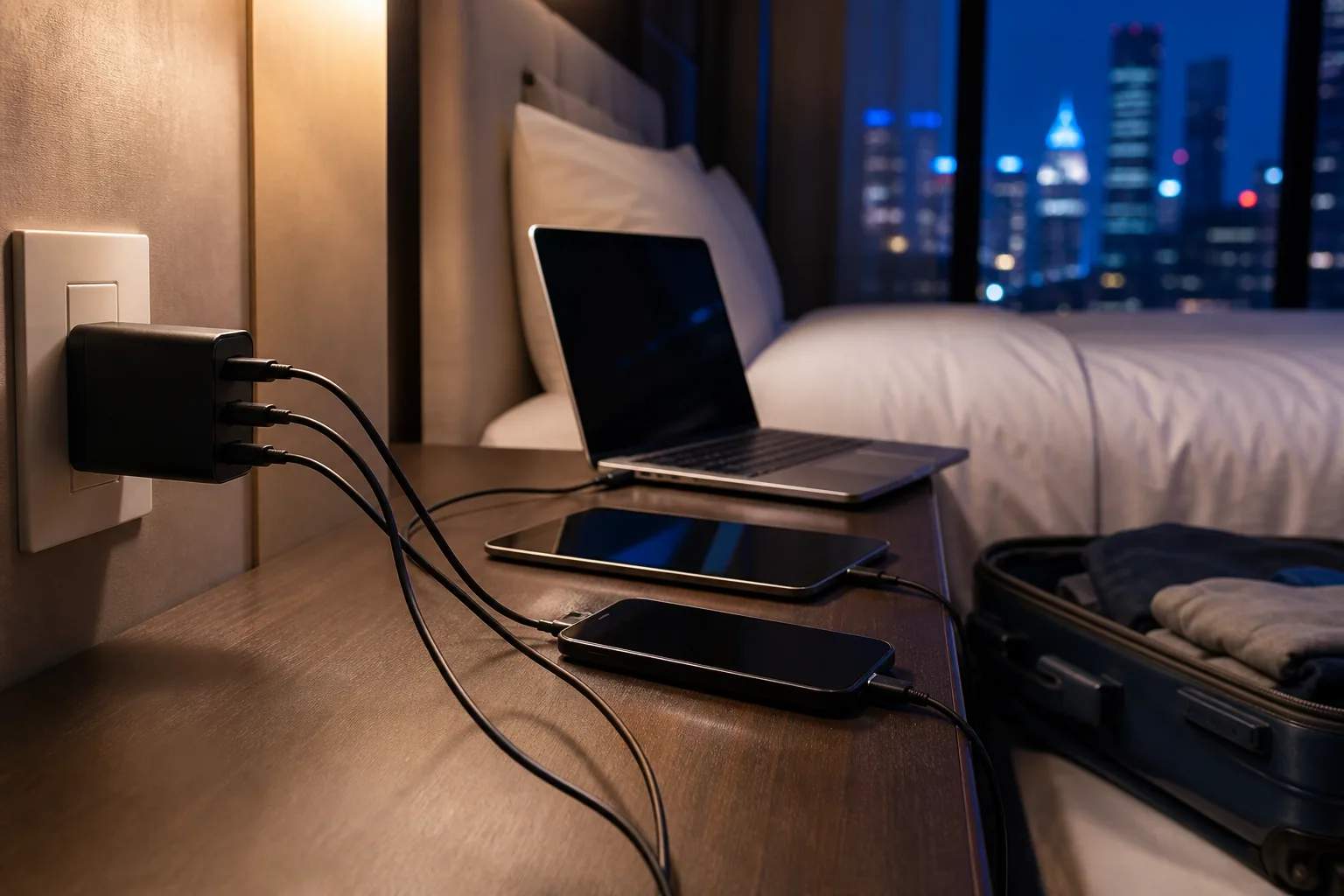 Buying Guide · 8 min read
65W GaN chargers: one brick, fewer packing decisions
How port sharing, cable capability, and laptop requirements shape the right compact charger.
Read story → Buying Guide · 12 min read
Compact air fryer for a small kitchen: measure before you buy
Choose a compact air fryer by usable basket area, operating clearance, storage path, power, cleanup, and the meals you cook most often.
Read story → Buying Guide · 9 min read
Compact espresso machines: what a small footprint gives up
Counter depth, warm-up, milk workflow, and grinder requirements for first-time buyers.
Read story → Buying Guide · 8 min read
Countertop ice makers: convenience with a cleaning routine
What production claims leave out about storage, drainage, noise, and maintenance.
Read story → Buying Guide · 9 min read
Noise-canceling headphones: comfort is the long-flight feature
How fit, controls, transparency, microphone behavior, and ecosystem extras affect daily use.
Read story → Buying Guide · 7 min read
Compact wireless keyboards: reclaim desk space carefully
Layout, key spacing, device switching, battery method, and shortcut tradeoffs explained.
Read story →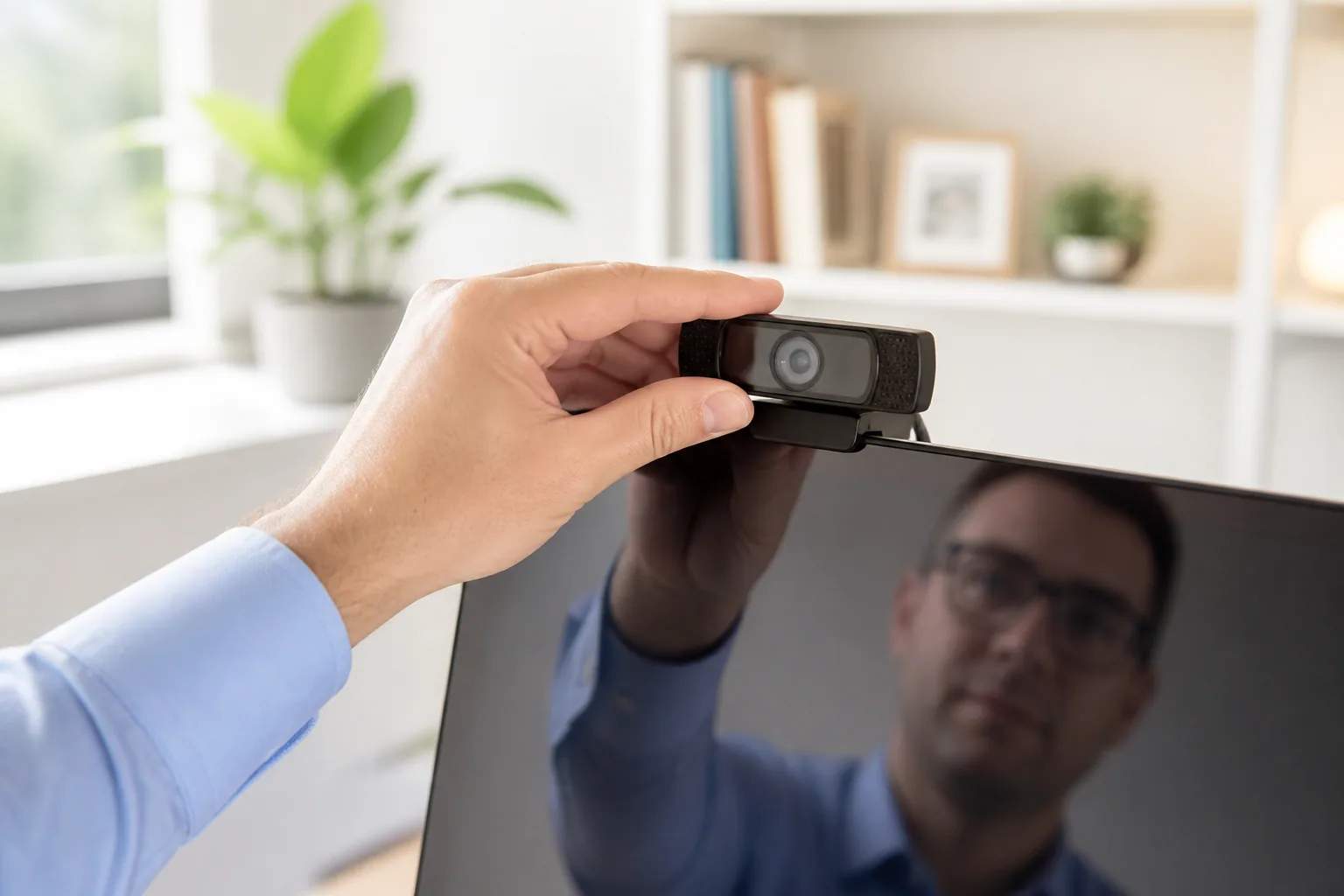 Buying Guide · 7 min read
Work-from-home webcams: framing beats resolution alone
Field of view, placement, exposure, privacy, and microphone needs for clearer calls.
Read story →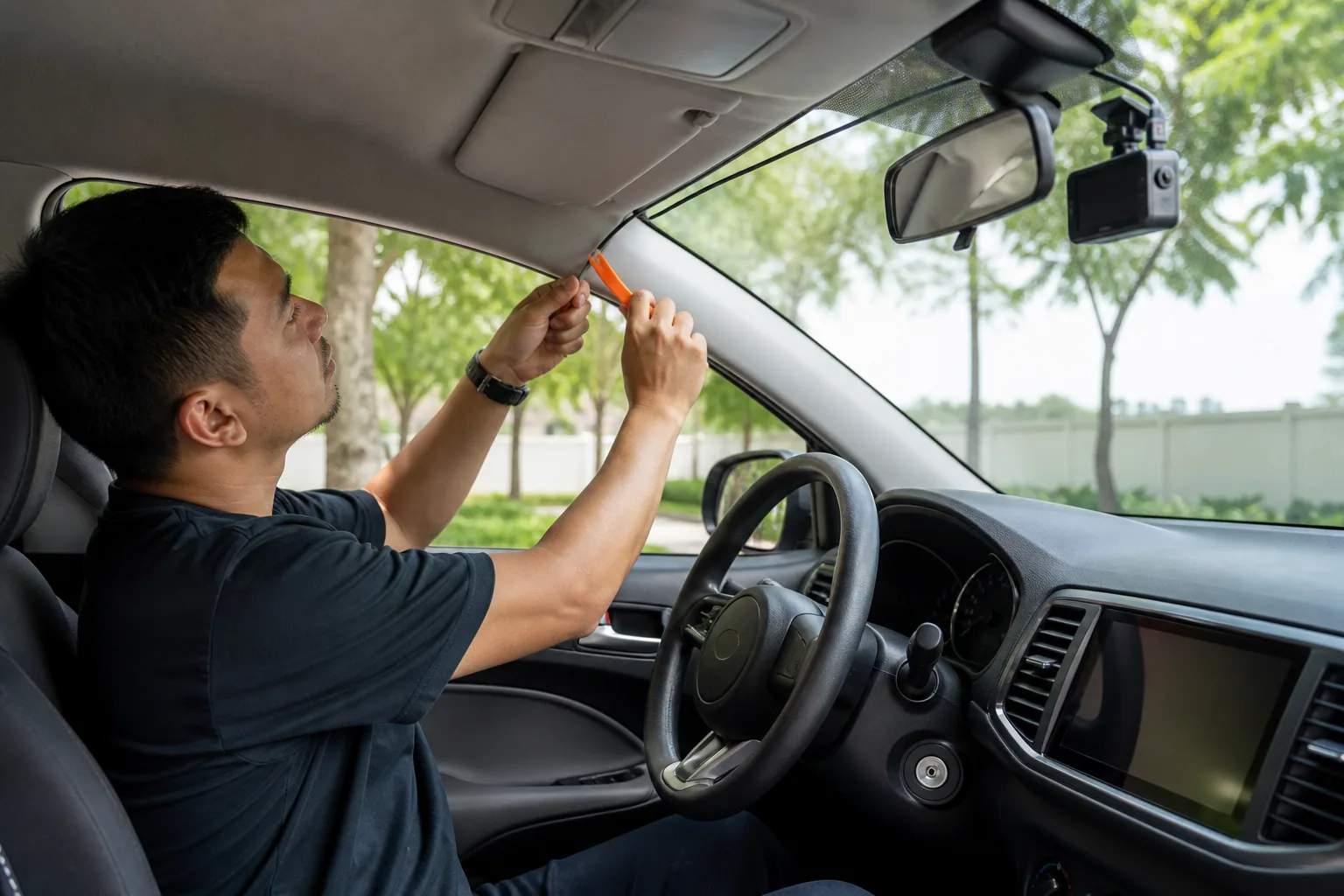 Buying Guide · 9 min read
Dash cam installation checklist: placement, wiring, and power
Plan camera position, cable routing, storage, accessory or hardwire power, rear-camera placement, and final recording checks before attaching anything.
Read story →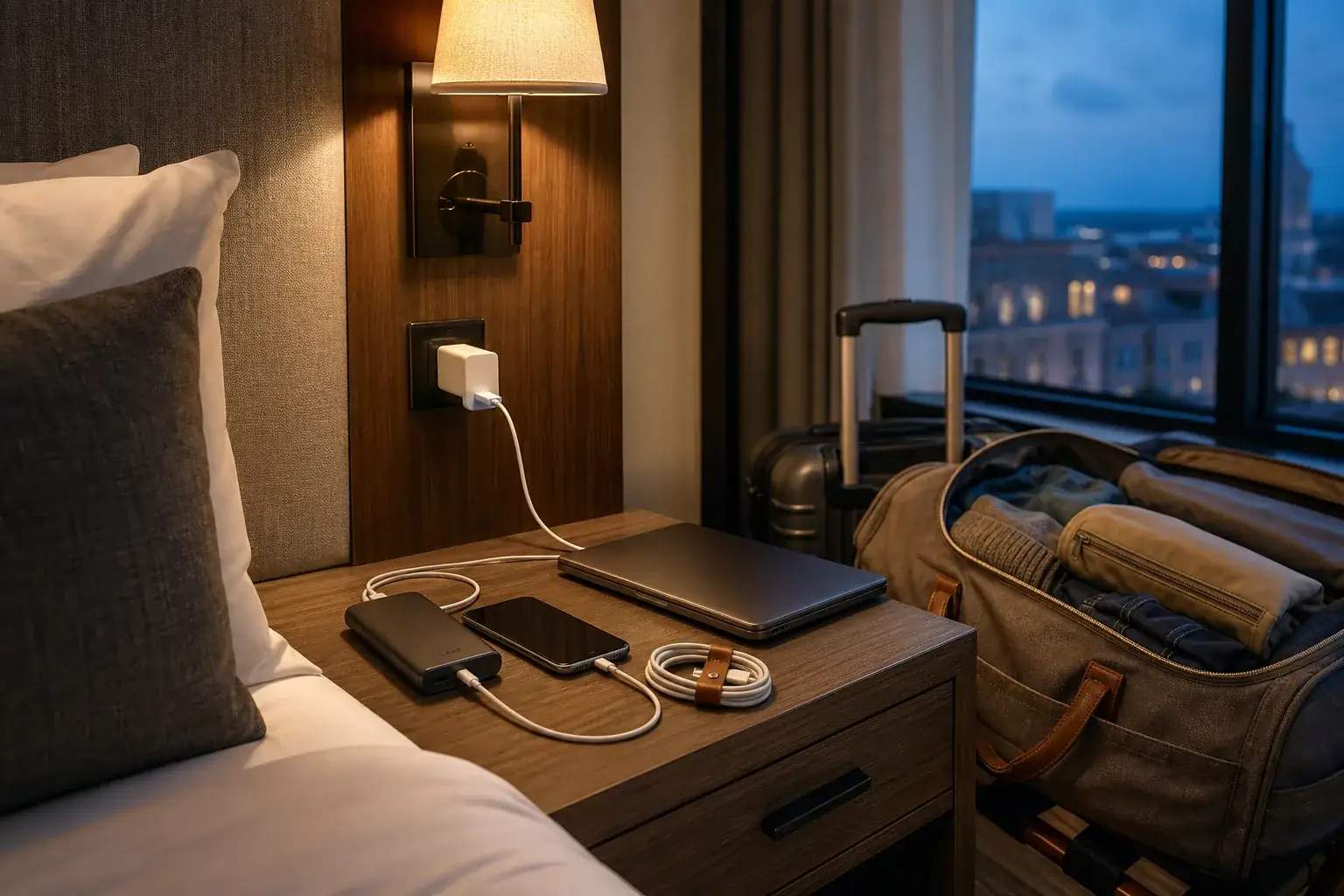 Buying Guide · 8 min read
One charger for a weekend trip: building a compact USB-C travel kit
A small-system guide to choosing one wall charger, one power bank, and the few cables that cover a realistic two-night trip.
Read story → Buying Guide · 9 min read
The hidden cost of a home espresso setup
The machine is only the beginning. Here is how grinders, scales, tools, milk gear, cleaning, water, and wasted beans shape the real budget.
Read story →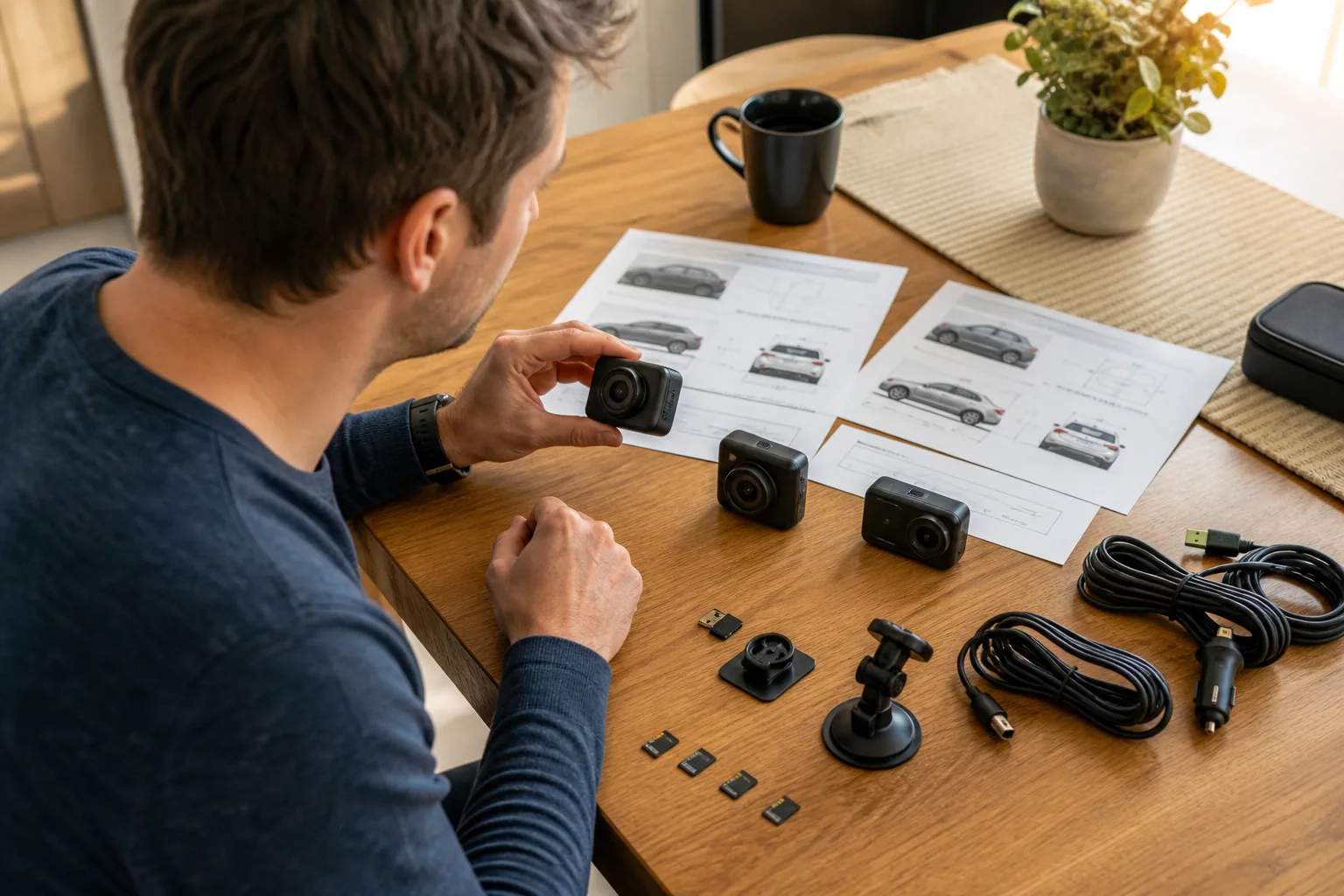 Buying Guide · 9 min read
A three-tier dash cam shortlist: entry, balanced, and premium setups
How to build a useful shortlist from the VIOFO A119 Mini 2, REDTIGER F7NA, and higher-tier multi-camera systems without comparing unlike jobs.
Read story → Buying Guide · 9 min read
The summer commute kit: fan, power bank, and headphones
Build a three-piece carry system around heat, battery anxiety, and noisy public transport without turning the work bag into a gadget drawer.
Read story →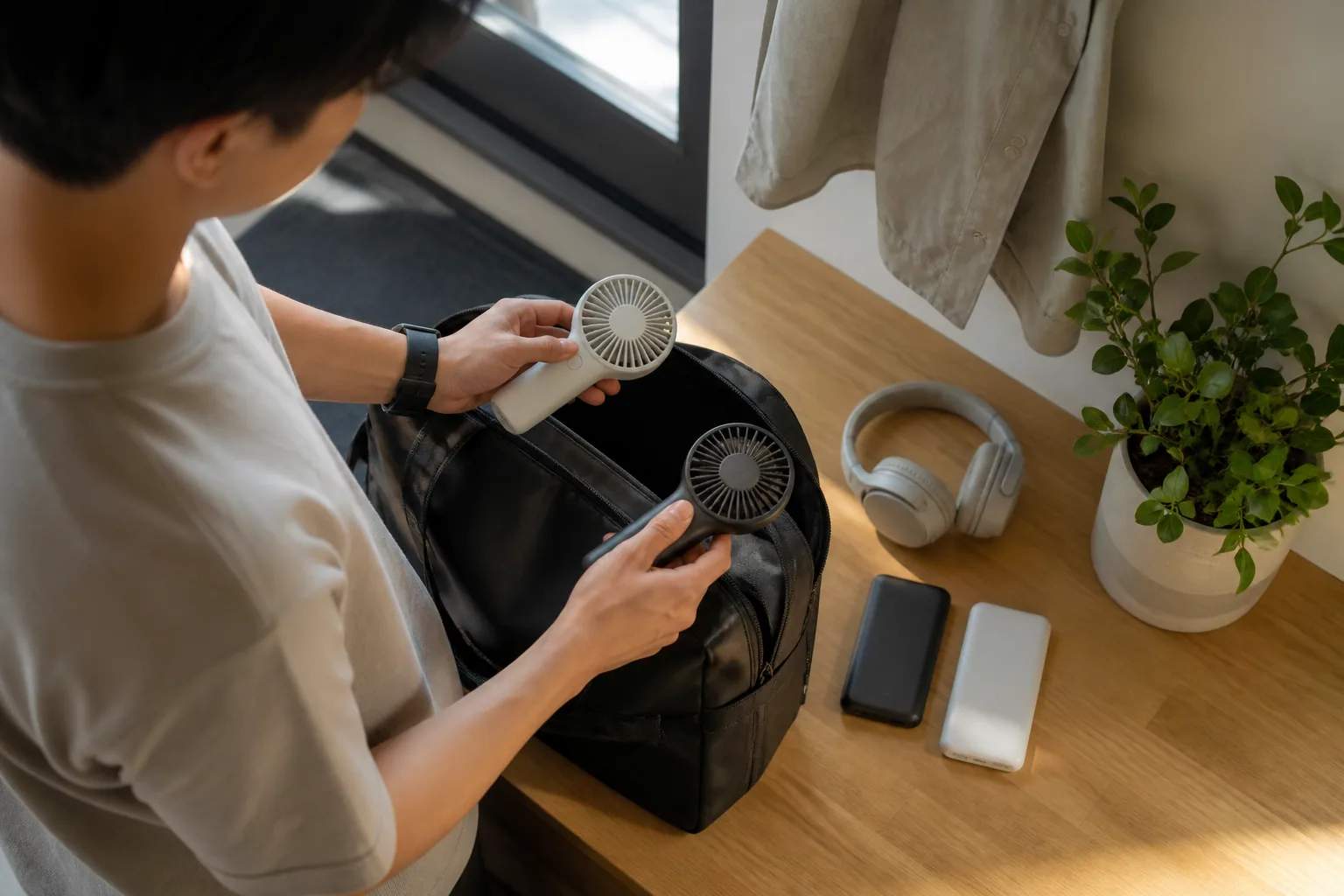 Buying Guide · 8 min read
What belongs in a hot-weather work bag?
A packing framework for personal cooling, phone power, water, cables, and the small items that prevent a warm commute becoming a bad workday.
Read story →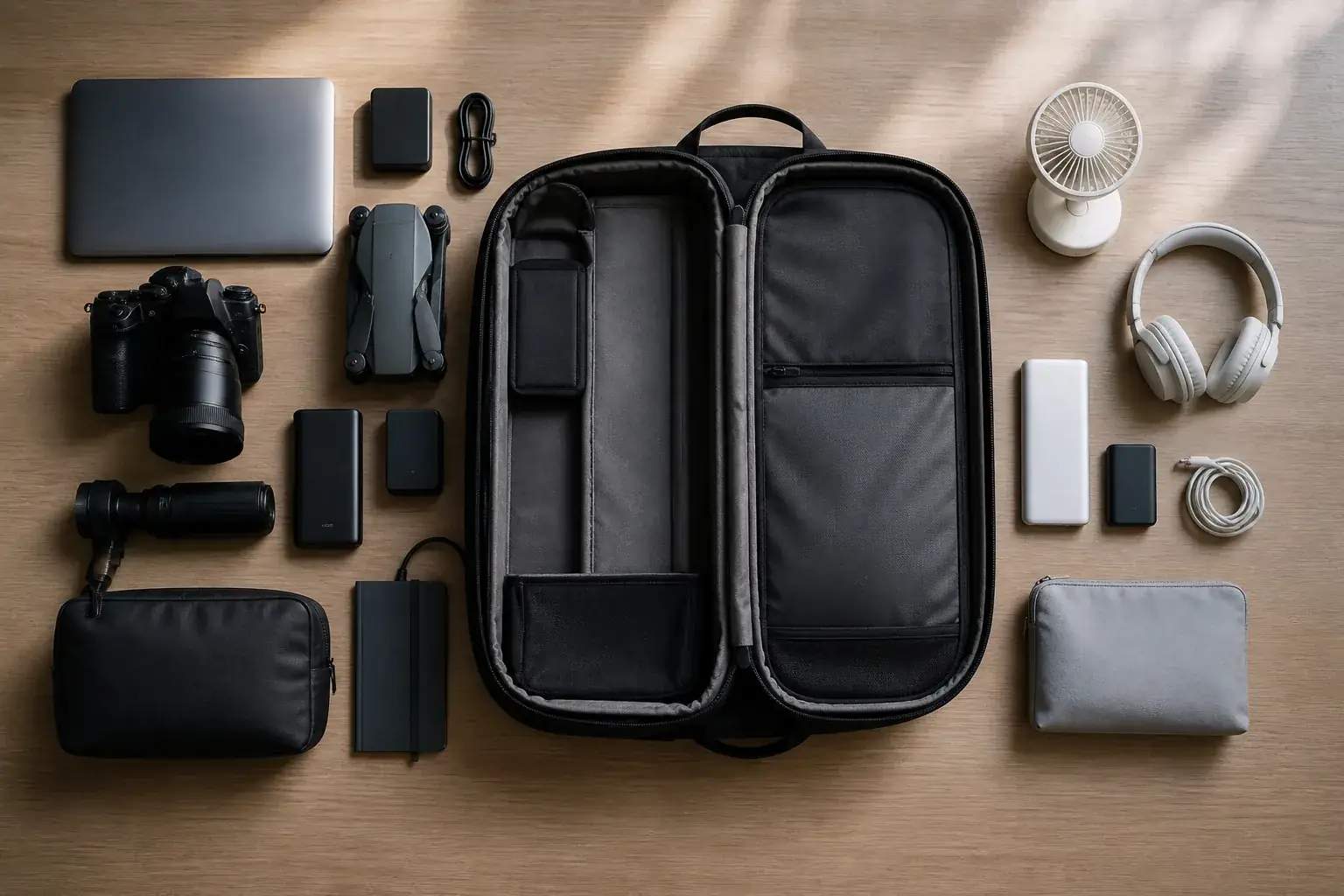 Buying Guide · 8 min read
A lighter commute kit: what to leave at home
A weight-audit method for removing duplicate chargers, oversized batteries, spare cables, and just-in-case gear from an everyday bag.
Read story →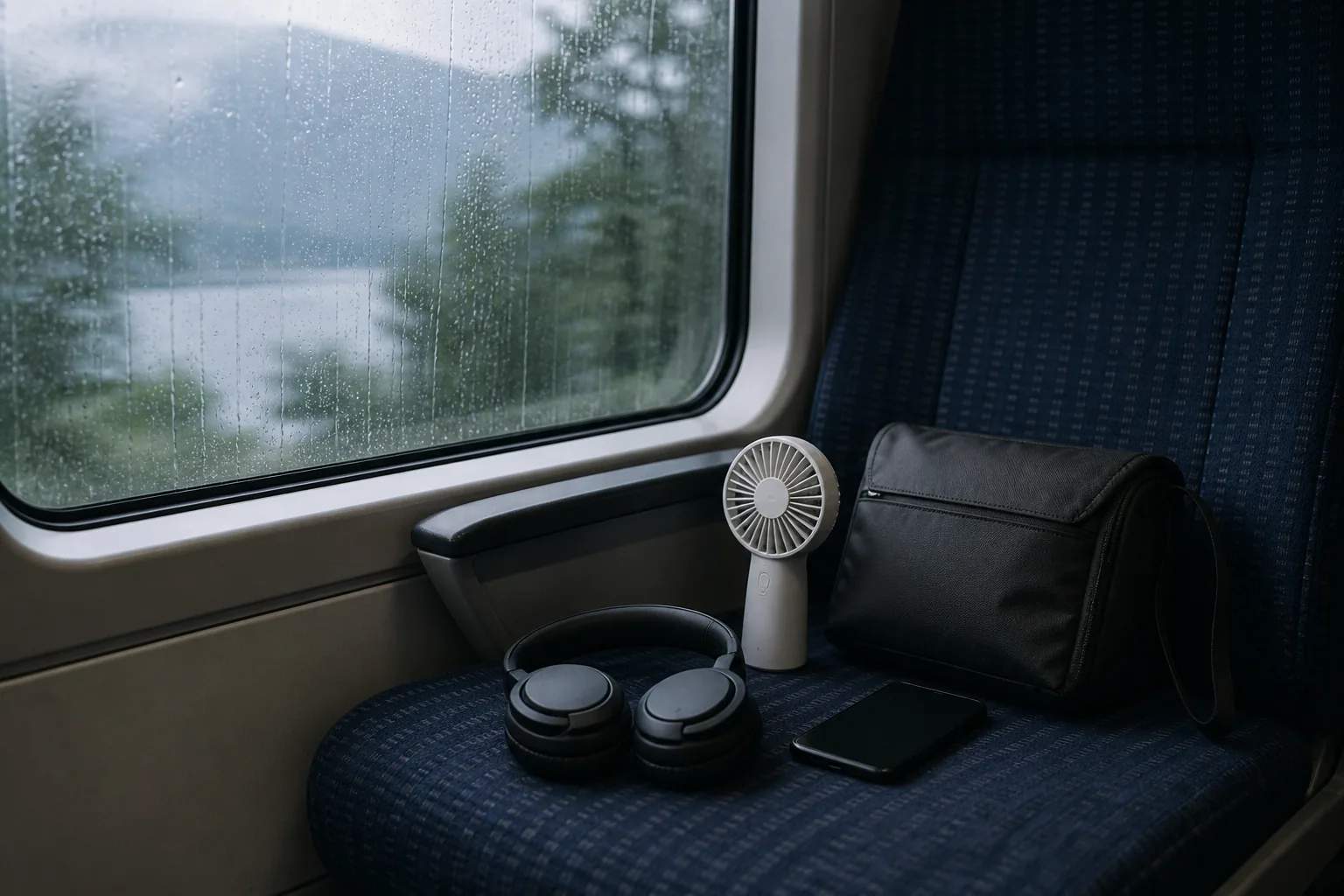 Buying Guide · 9 min read
Quiet commute gear: cooling without adding more noise
How to think about fan speed, headphone fit, awareness, and social comfort in close public spaces.
Read story →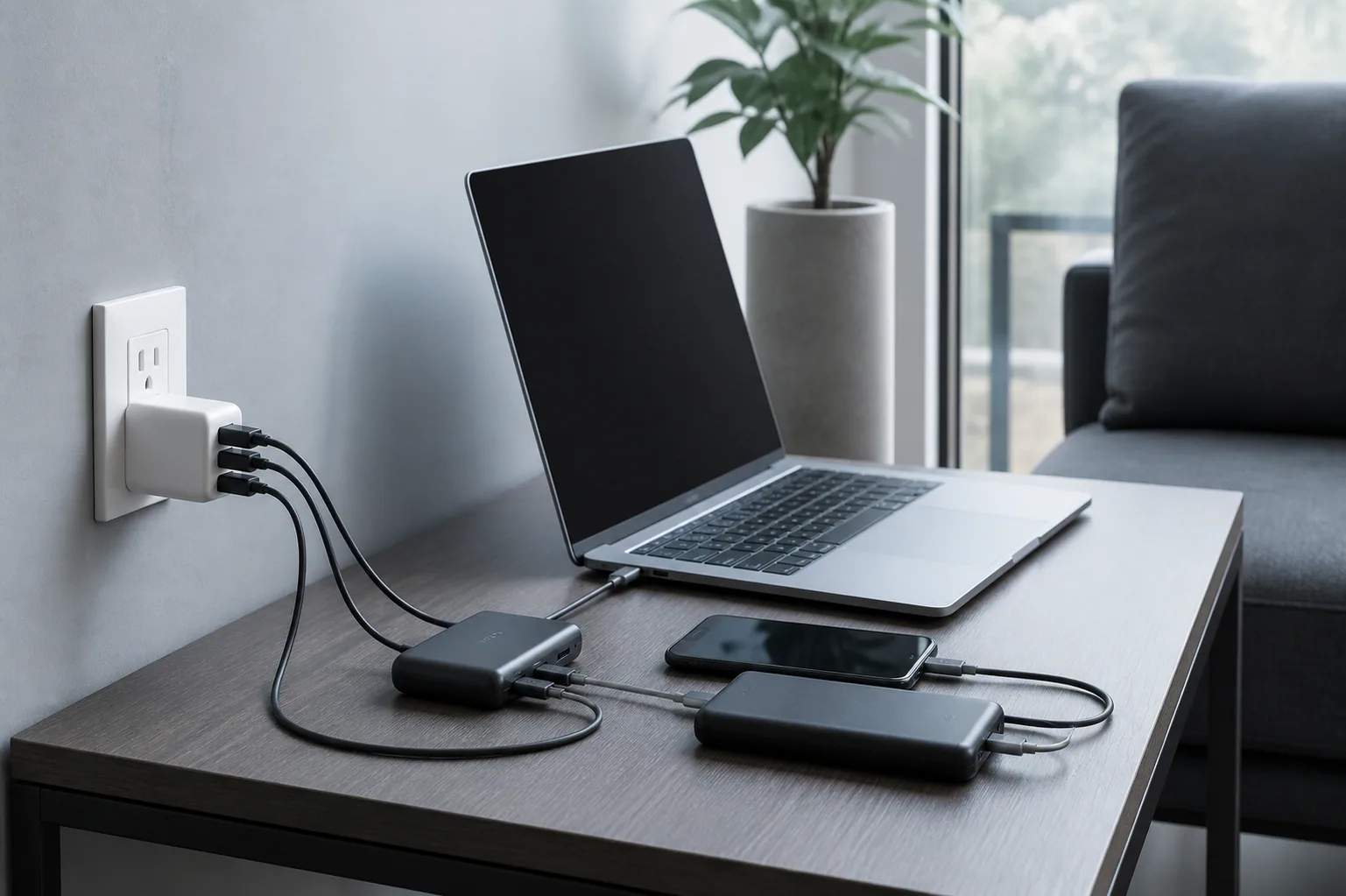 Buying Guide · 9 min read
One outlet, three devices: a commuter charging plan
Plan the charger, cable, and power-bank chain that keeps a laptop, phone, and daily accessory moving from home to desk and back.
Read story →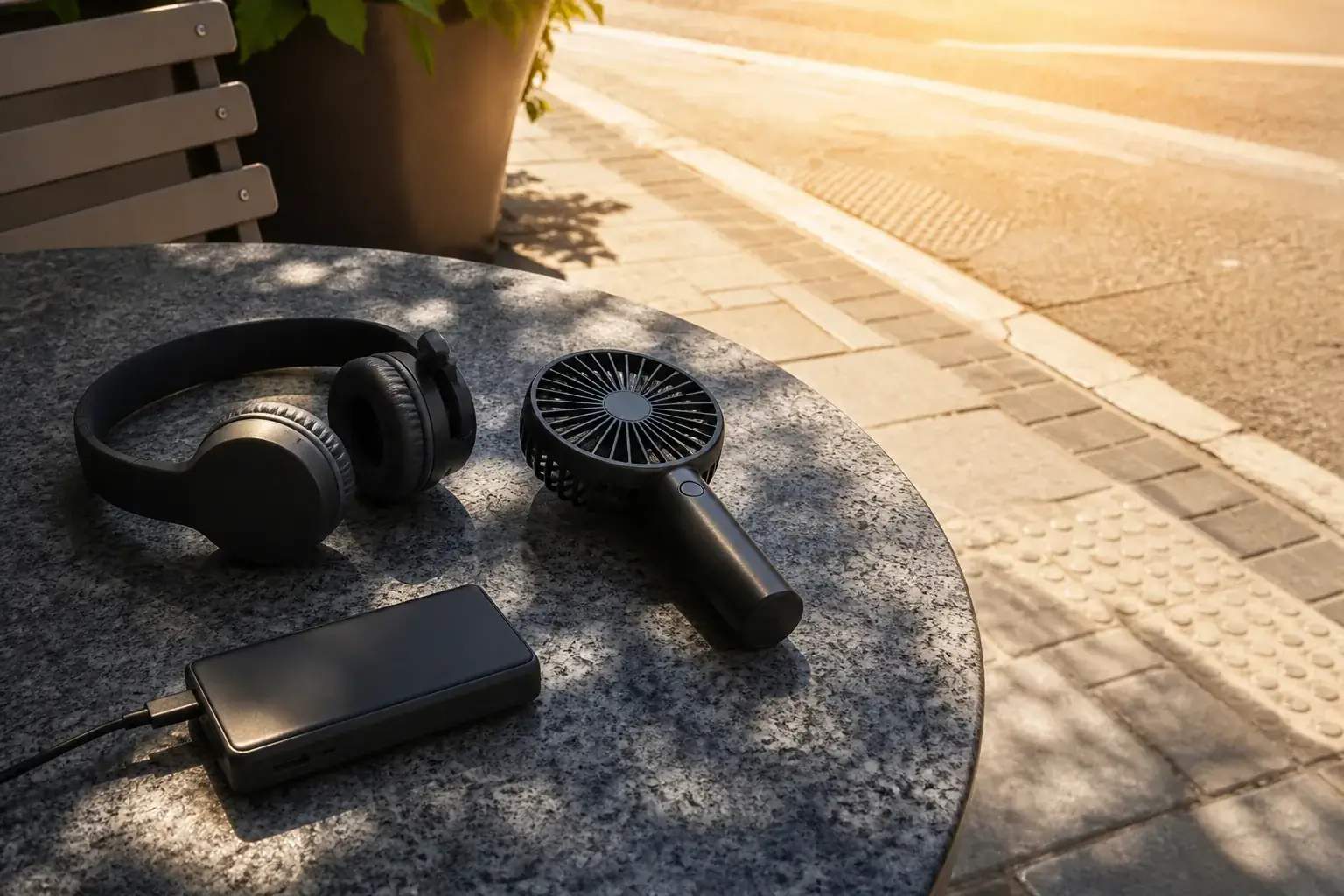 Buying Guide · 9 min read
How heat affects power banks, headphones, and rechargeable fans
A practical battery-care guide for hot platforms, sunny café tables, parked vehicles, and the temperature swings of a summer commute.
Read story →Buying Guide · 9 min readWhat to do after the check-engine light comes on
A calm sequence for reading the warning, recording symptoms, scanning codes, deciding whether to stop, and preparing for professional diagnosis.
Read story →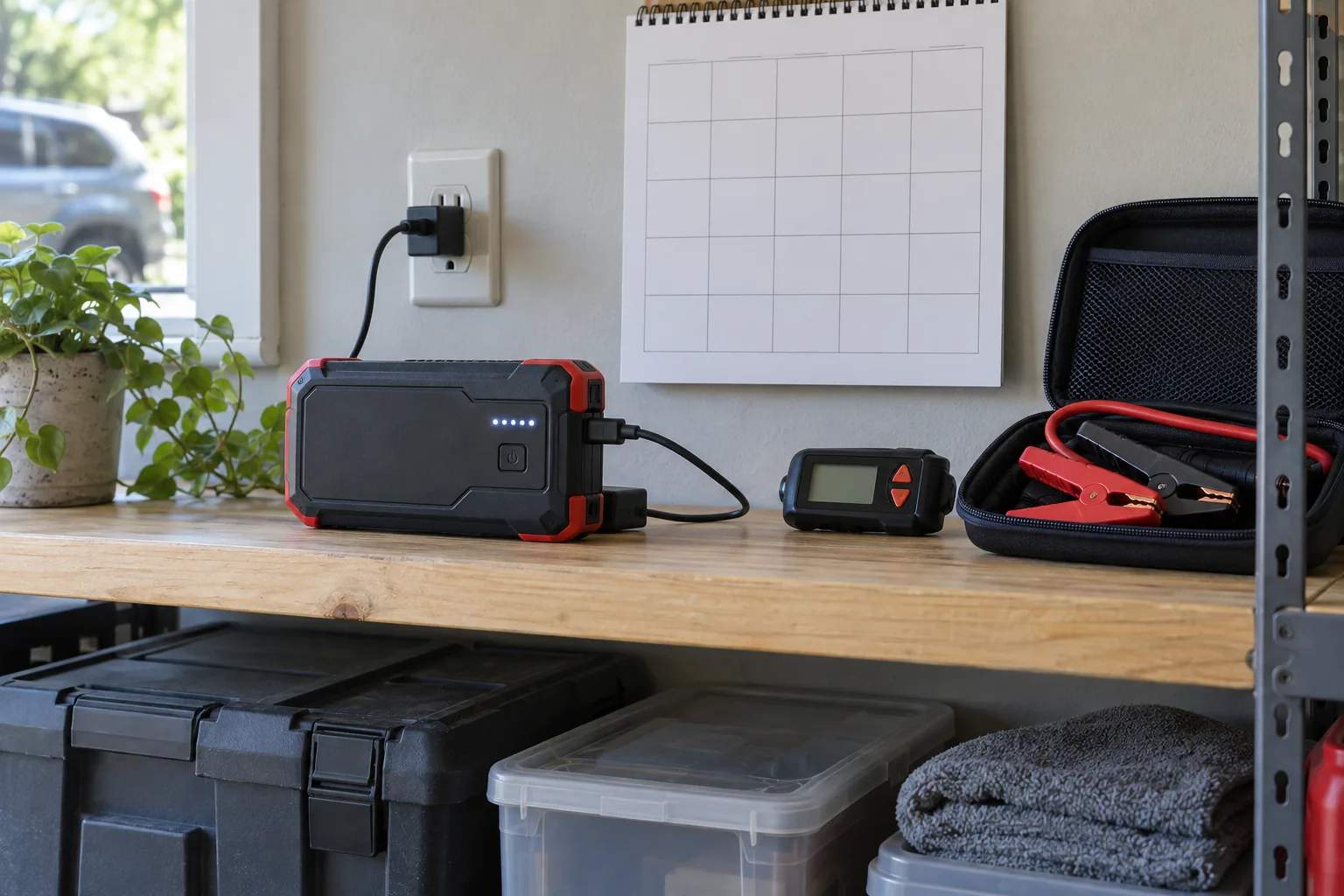 Buying Guide · 11 min read
How often should you recharge a portable jump starter?
Use the model manual, recharge after meaningful use, check a stored pack monthly, and inspect heat exposure, charge level, clamps, cables, and battery condition.
Read story →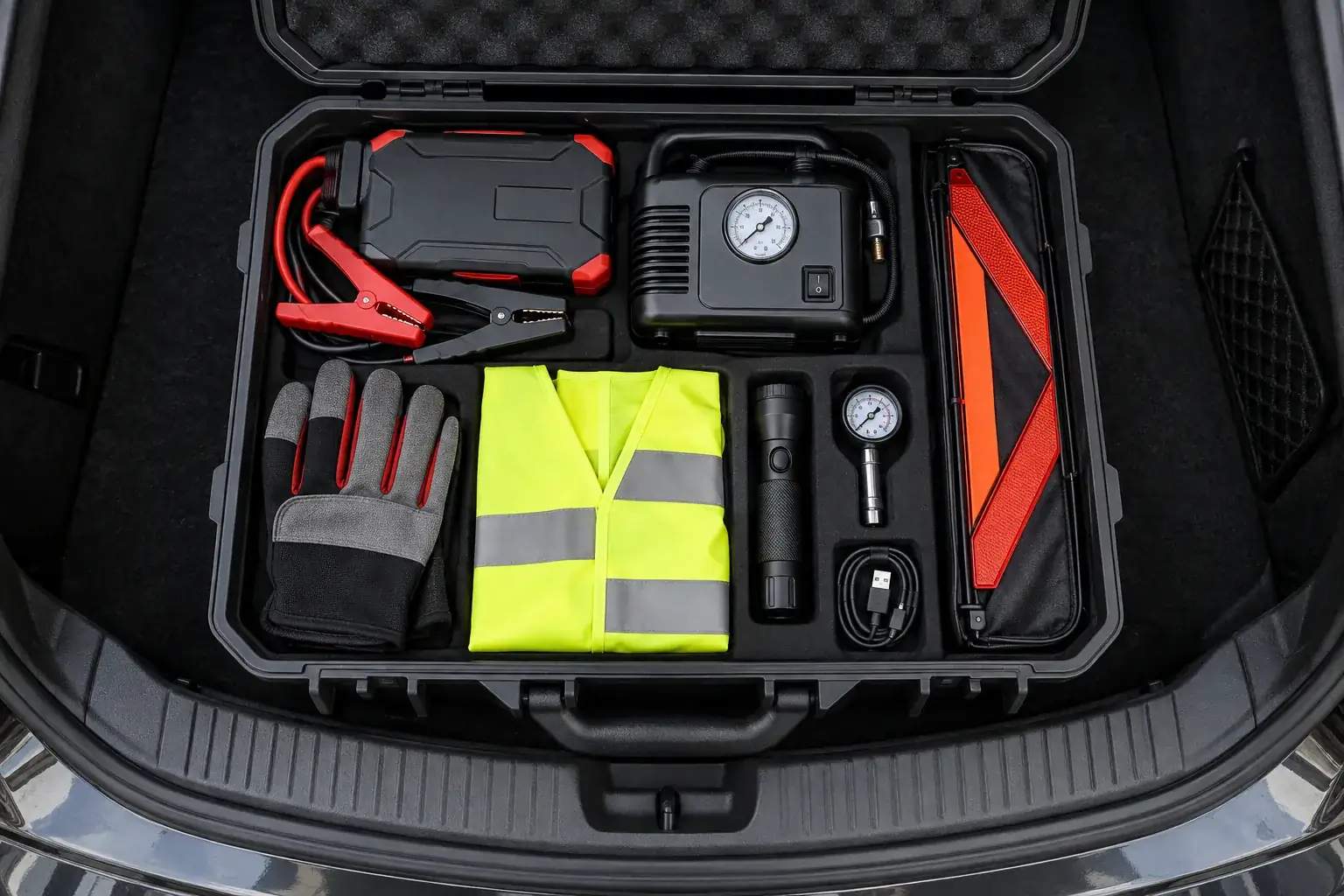 Buying Guide · 9 min read
A complete roadside emergency kit built around one storage case
Organize starting power, tire tools, visibility gear, lighting, gloves, charging, and documents so the kit is usable from the roadside.
Read story →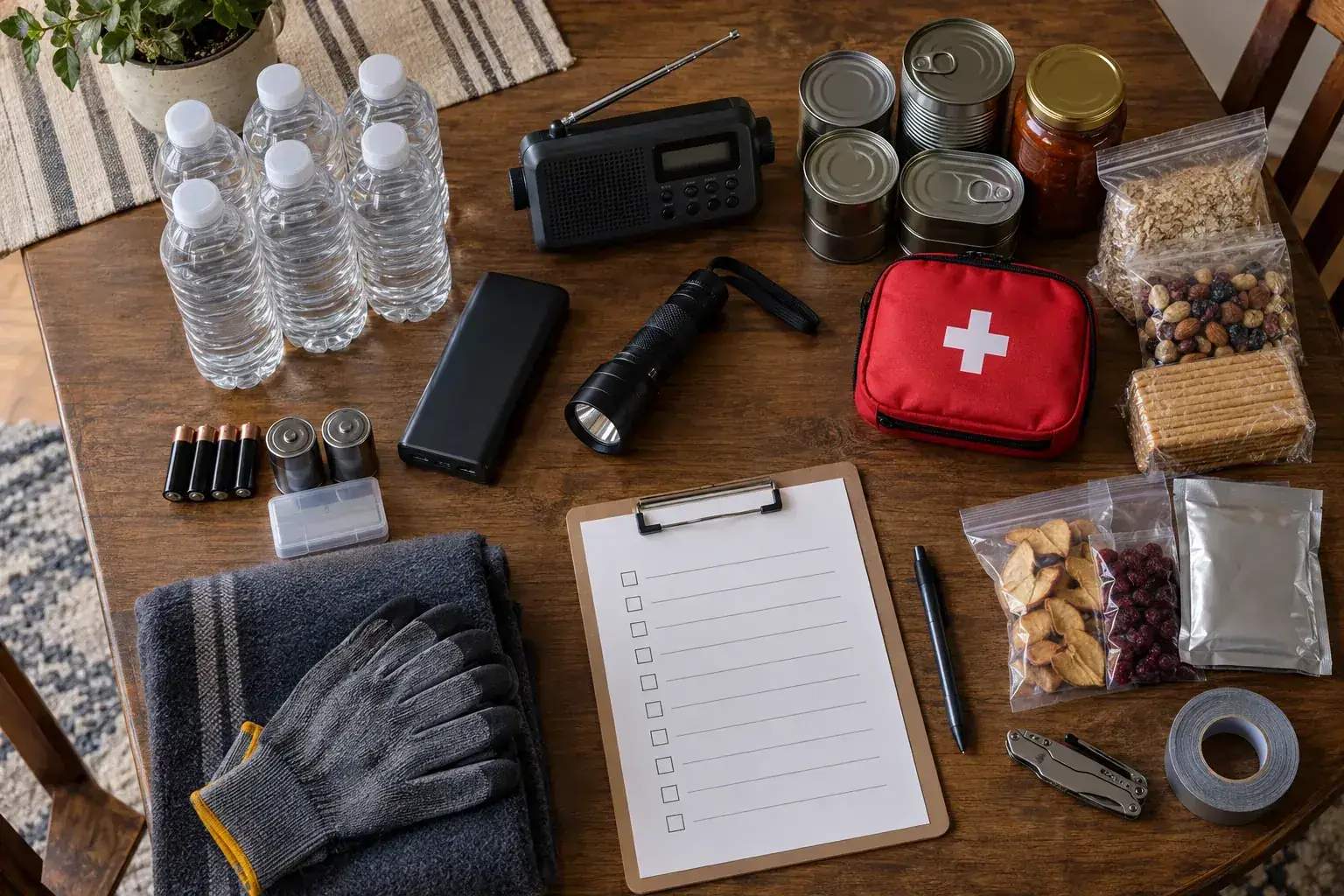 Buying Guide · 10 min read
What belongs in a practical 72-hour power-outage kit?
Build around information, light, water, food, medications, charging, temperature, documents, and the needs of the people and pets in the home.
Read story →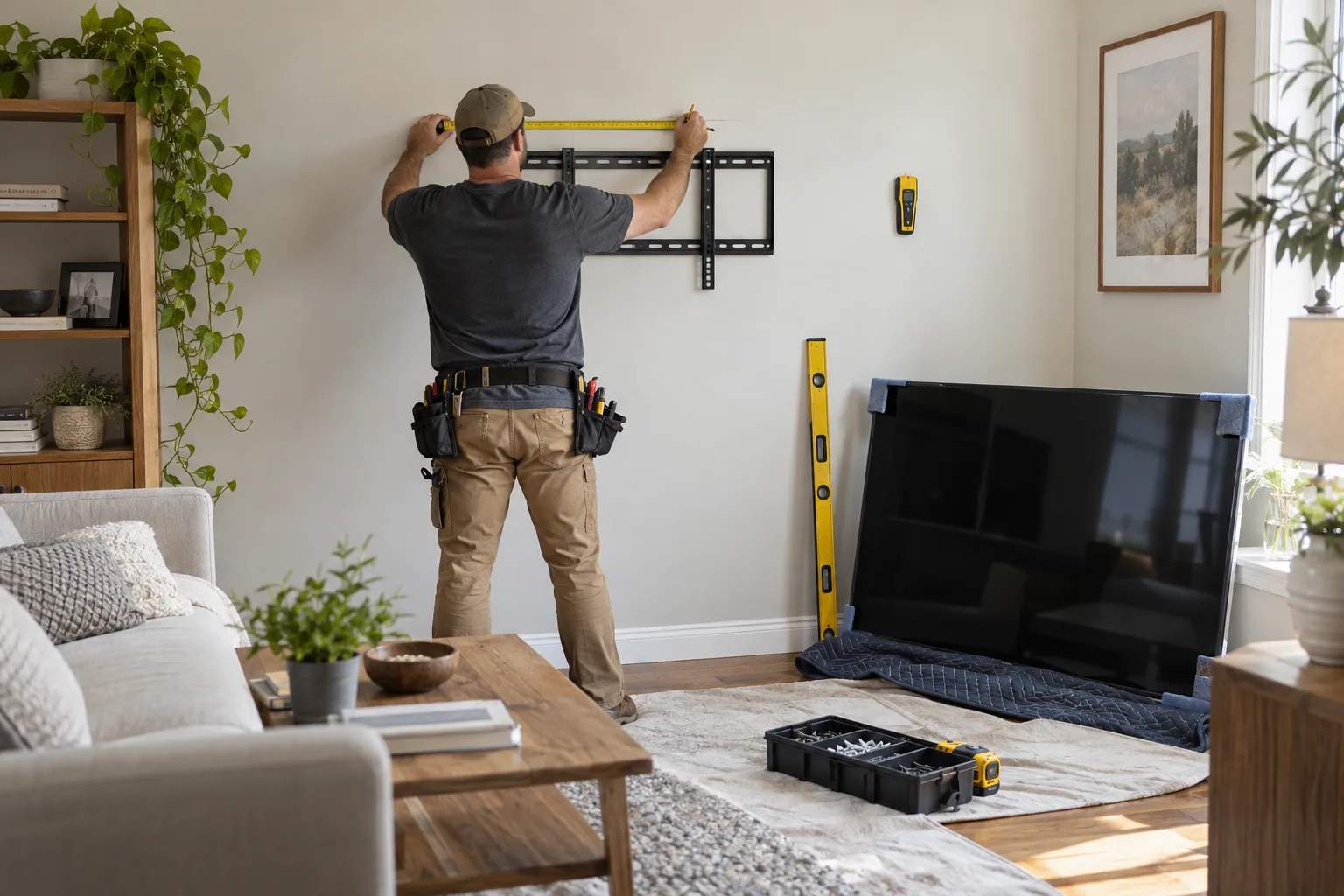 Buying Guide · 11 min read
TV wall mount VESA and stud spacing checklist
Measure VESA, television weight, wood-stud spacing, wall type, screws, spacers, viewing height, motion clearance, and cables before drilling.
Read story →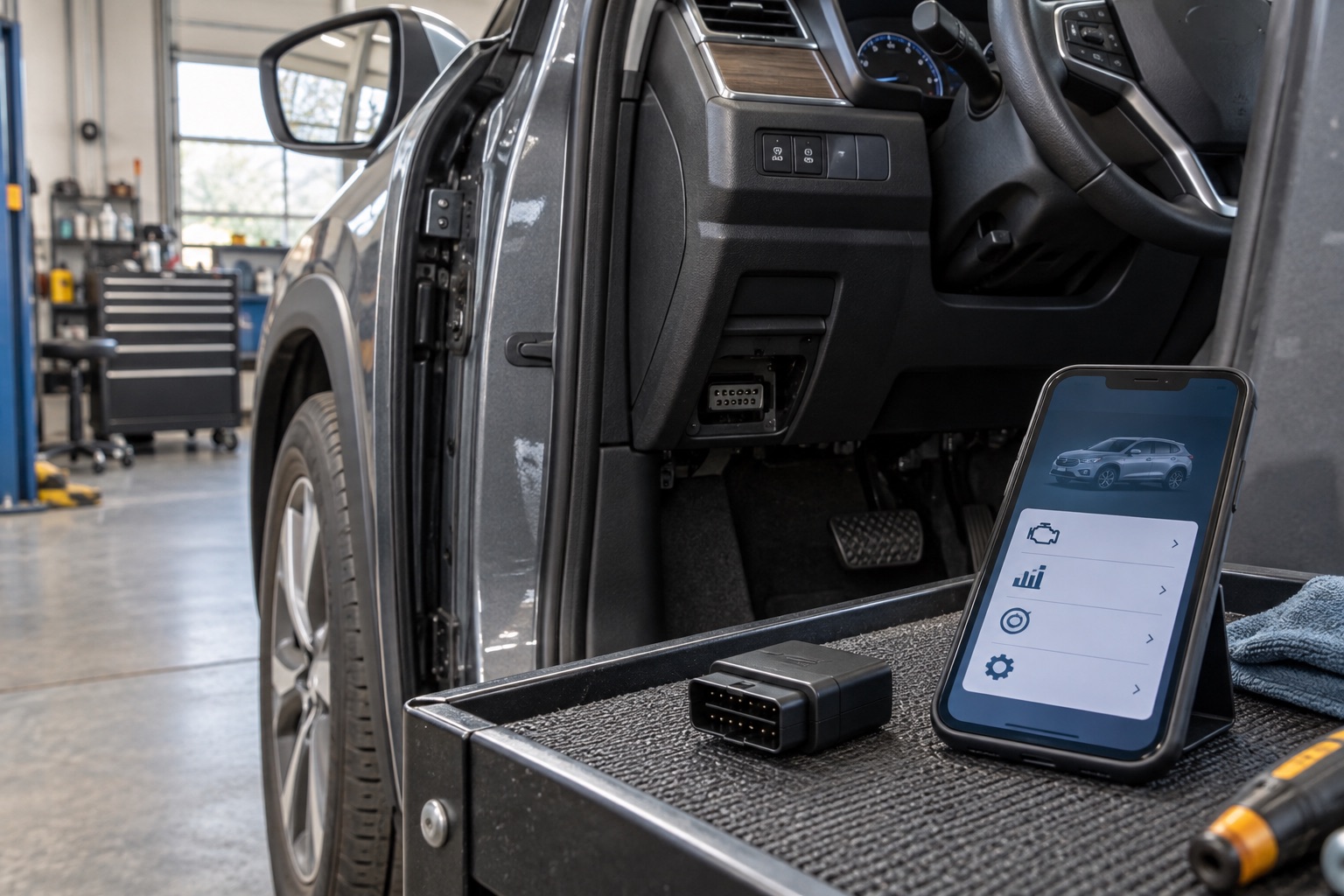 Buying Guide · 10 min read
BlueDriver compatibility: will it work with my car?
Use the direct official compatibility checker, then verify original market, year, make, model, engine, phone support, and the exact ABS, airbag, transmission, TPMS, or other modules you need.
Read story →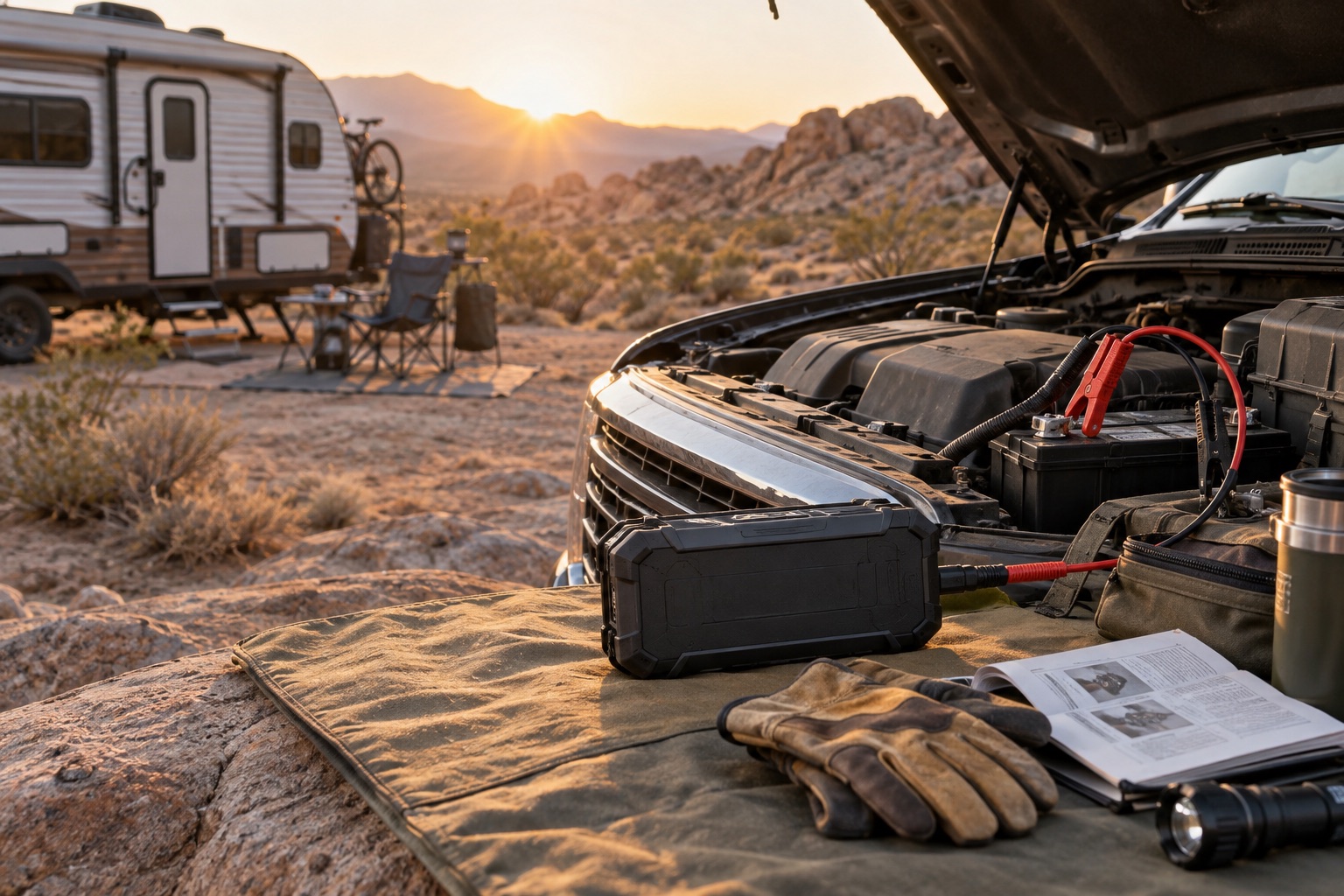 Buying Guide · 10 min read
Can the GOOLOO GP4000 start a truck or diesel vehicle?
A compatibility-first guide to the published 10.0L diesel limit, 12V systems, designated jump points, battery condition, cold weather, clamps, and roadside preparation.
Read story →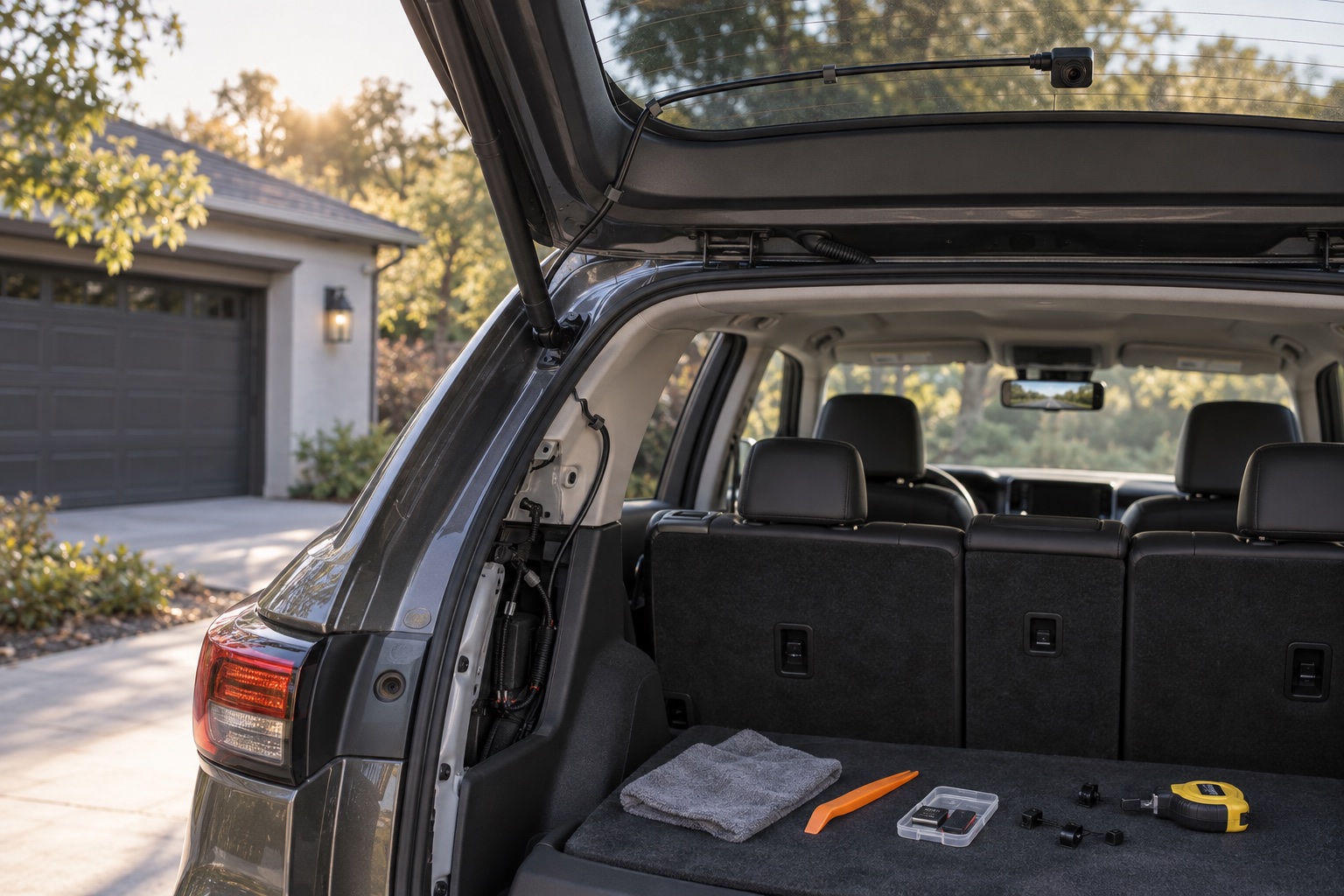 Buying Guide · 12 min read
WOLFBOX G900 Pro installation guide: fit, rear camera, wiring, and setup
Plan the G900 Pro installation before removing trim: measure the mirror, choose an interior or exterior rear-camera position, map the cable route, confirm parking power, and verify recording.
Read story →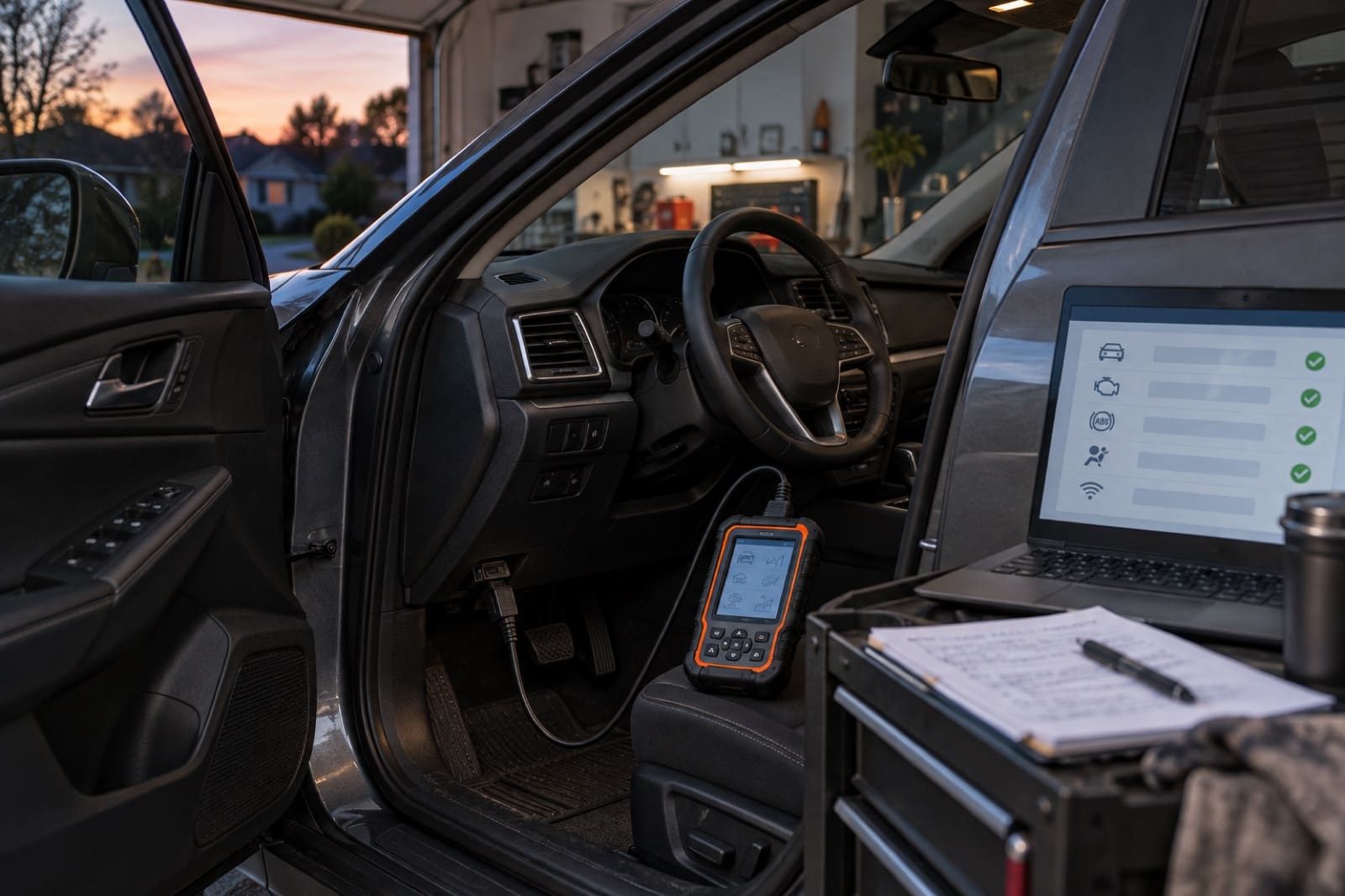 Buying Guide · 11 min read
Innova 5610 Compatibility Chart: Vehicle & Function Coverage
Check whether the Innova 5610 supports your exact vehicle, module, active test, or service function—and where region, software, or a secure gateway can change the answer.
Read story →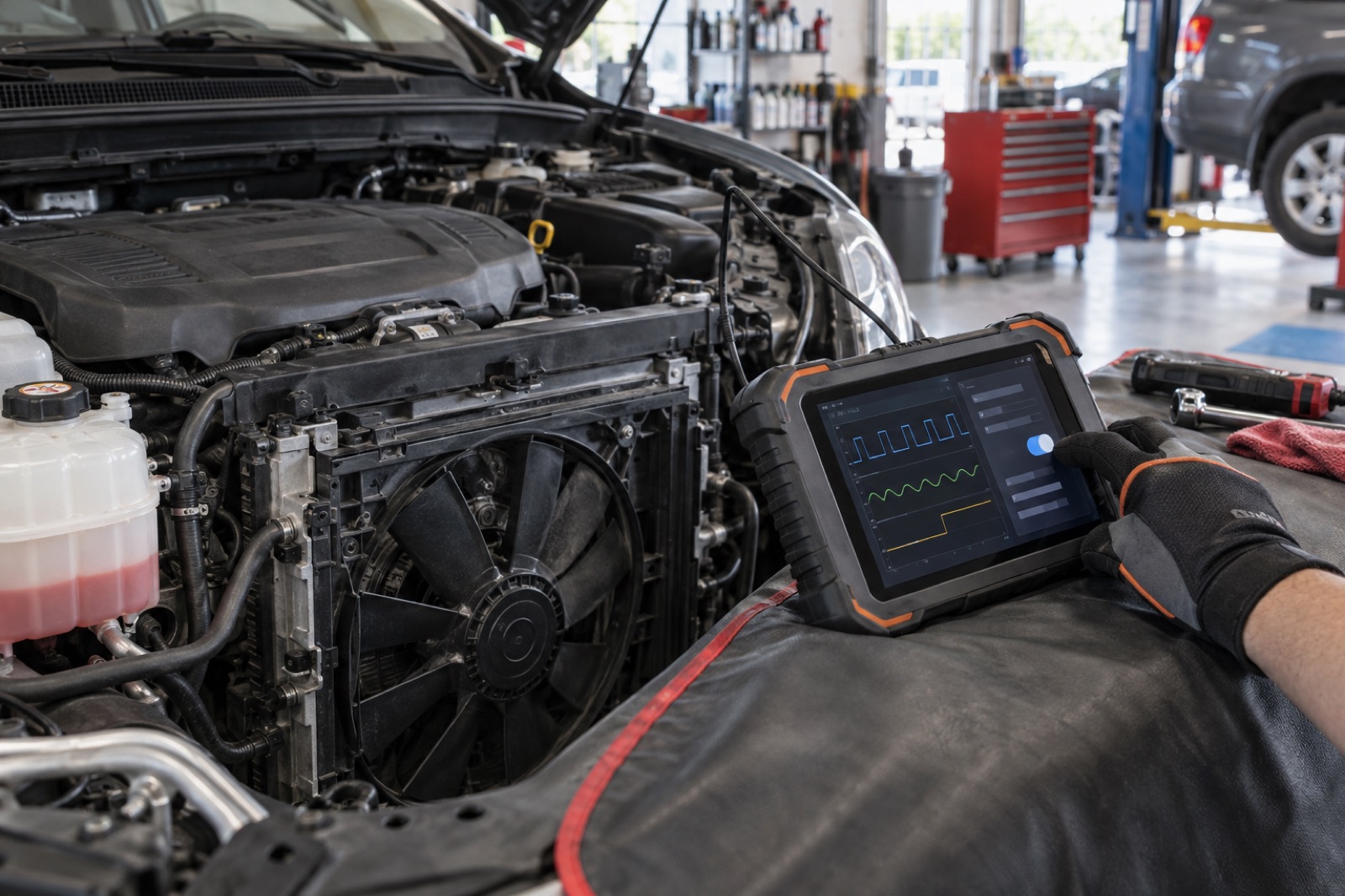 Buying Guide · 12 min read
Bidirectional OBD2 scanners explained: when active tests are worth it
Understand what active tests can and cannot prove, which repairs benefit, how coverage varies, and when a basic code reader remains the better purchase.
Read story →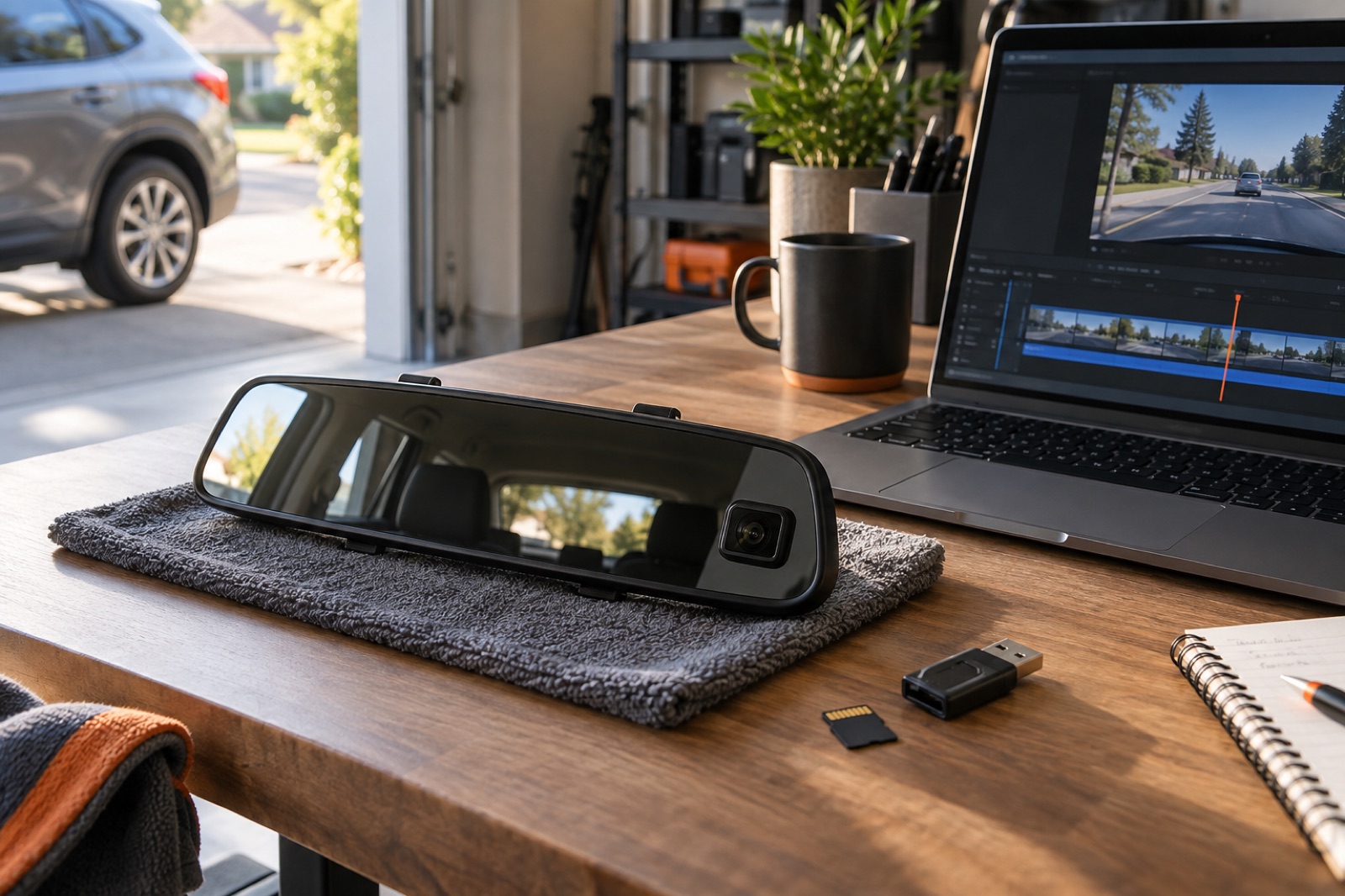 Buying Guide · 11 min read
WOLFBOX G900 Pro SD card and recording settings guide
Choose, format, and maintain storage for dependable loop recording, protected event clips, app transfers, and long-drive footage review.
Read story →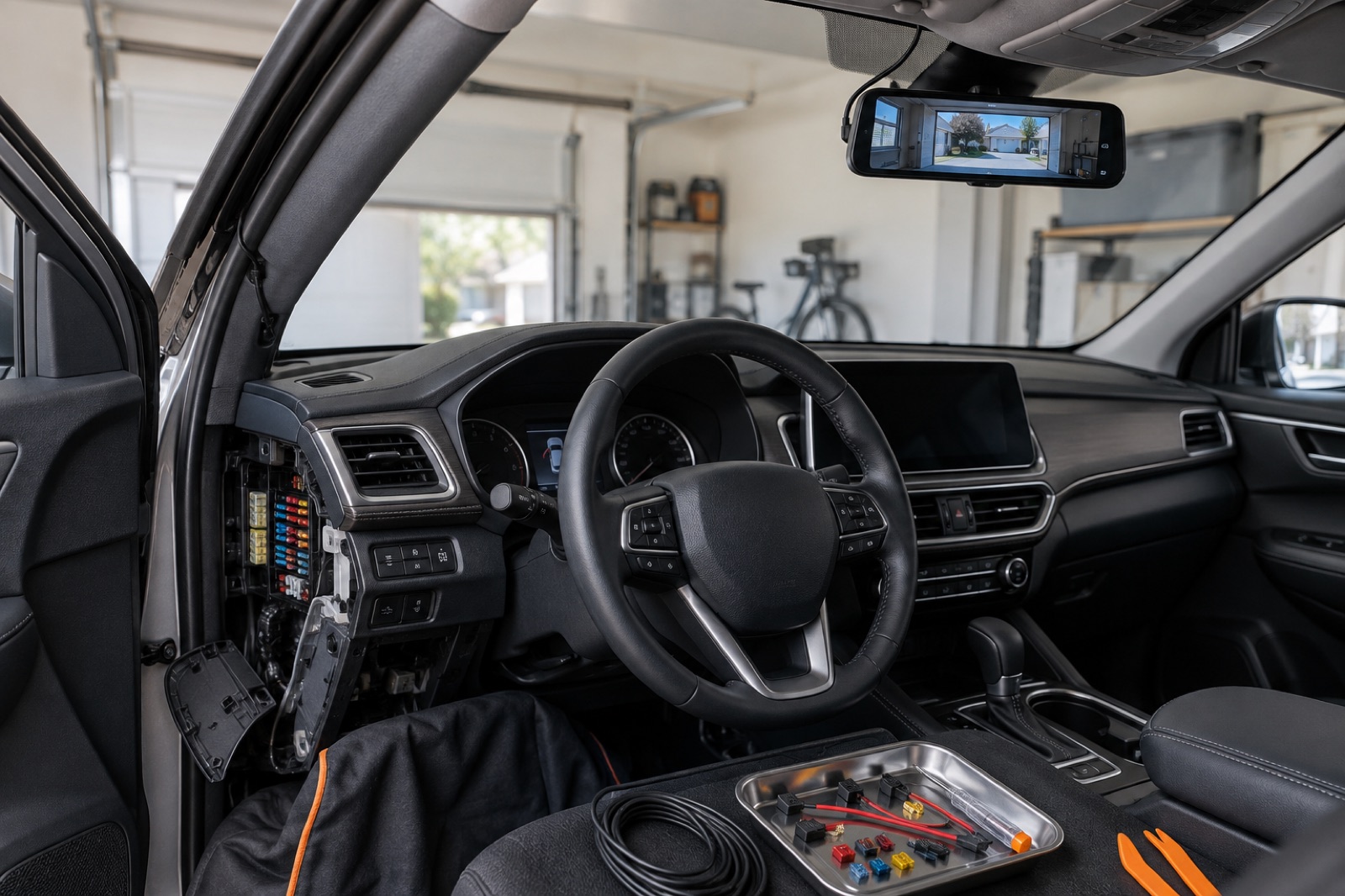 Buying Guide · 12 min read
WOLFBOX G900 Pro parking mode and hardwire kit guide
Plan compatible hardware, fuse selection, cable routing, voltage protection, recording mode, storage, and post-installation checks before leaving the camera powered while parked.
Read story →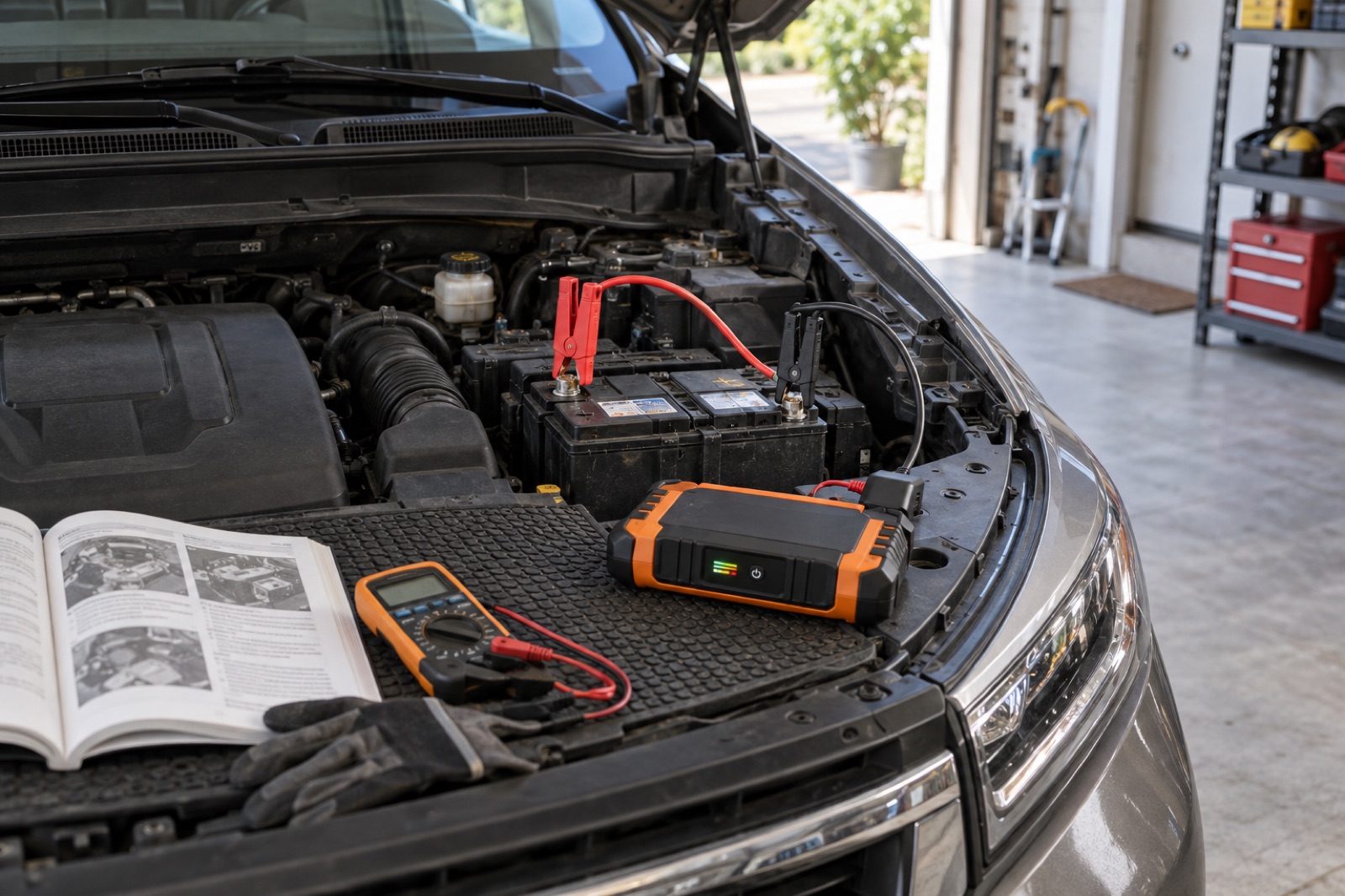 Buying Guide · 13 min read
GOOLOO GP4000 Problems: Not Charging or Not Starting?
Check the USB-C input, pack charge, smart-clamp lights, polarity, BOOST conditions, attempt limits, and safe stop points before treating the GP4000 as failed.
Read story →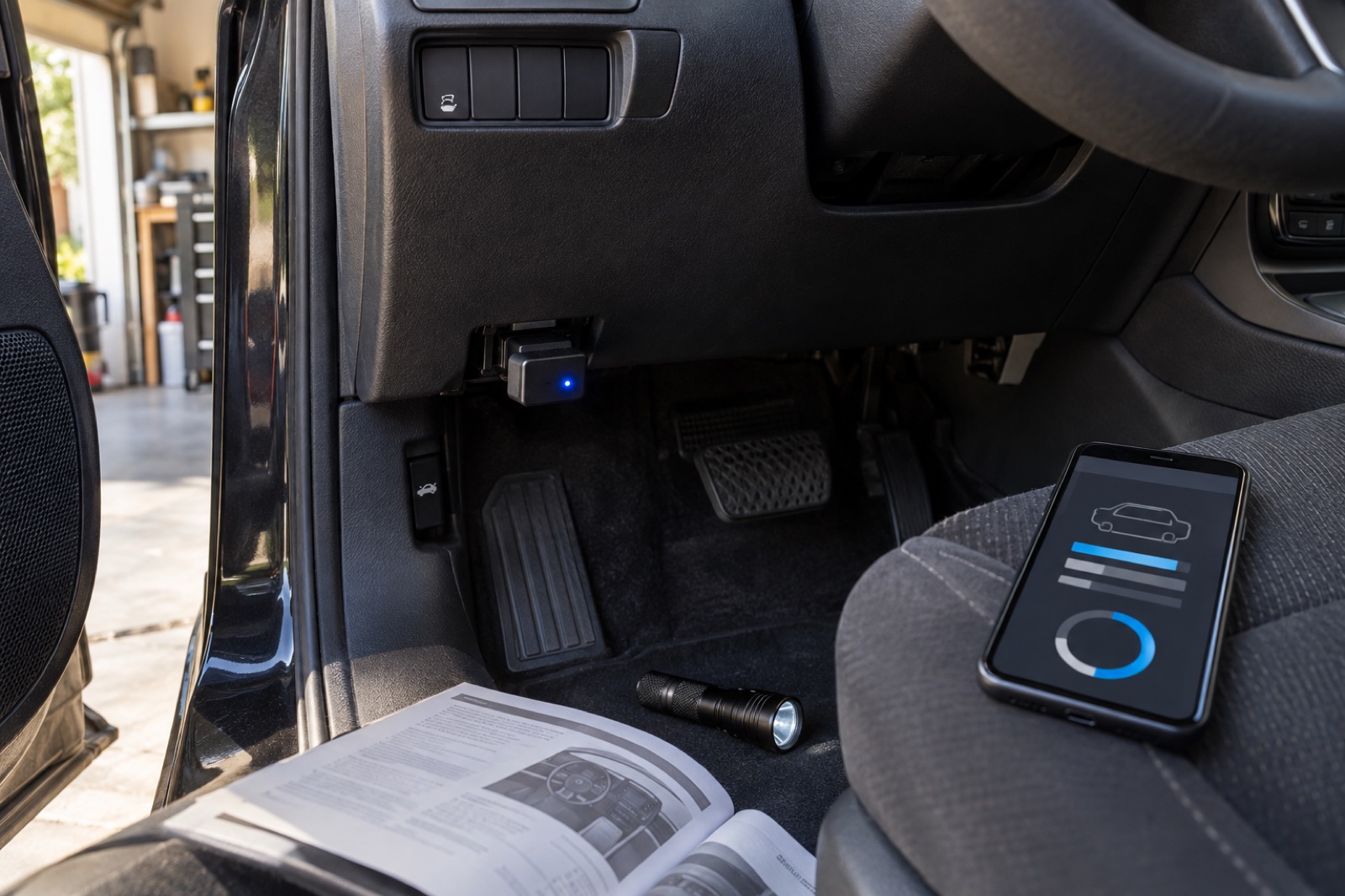 Buying Guide · 12 min read
BlueDriver Solid Red Light or Not Connecting? Troubleshooting Guide
Identify a solid red, flashing red, or dark scanner, then isolate OBD2-port power, firmware recovery, in-app Bluetooth pairing, and vehicle coverage.
Read story →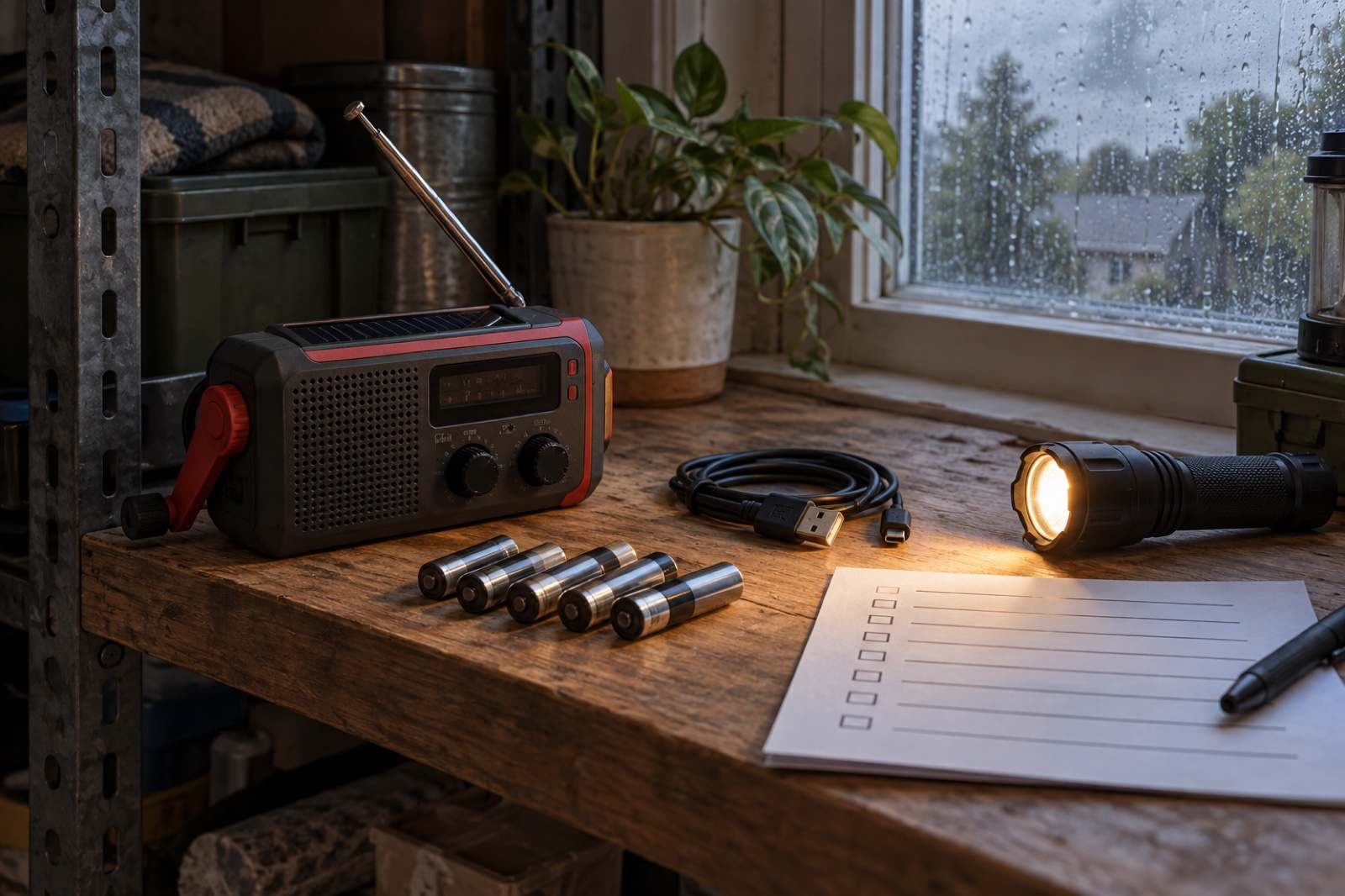 Buying Guide · 12 min read
Midland ER310 Manual: Charging, NOAA Alerts & Fixes
Open the official Midland ER310 manual, then diagnose charging, battery, NOAA alert, reception, crank, solar, phone-power, and storage problems step by step.
Read story →Buying Guide · 13 min readWOLFBOX G900 Pro troubleshooting: rear camera, Wi-Fi, power, and recording
Fix common G900 Pro problems in a safe order: confirm power, inspect the wired rear-camera path, reconnect the WOLFBOX app, verify the microSD card, and test parking-mode hardware.
Read story →