Research-led product guide
Innova 5610 and BlueDriver OBD2 Scanners: the answer in context
The Innova 5610 and BlueDriver overlap in code retrieval, enhanced diagnostics, live data, and repair context, but they serve different depths of work. BlueDriver is a compact Bluetooth adapter built around a phone app. The 5610 is a standalone handheld that adds supported bidirectional commands, service routines, relearns, and calibrations. Choose by the exact job and verified vehicle coverage—not by assuming that the more advanced category supports every function.
- Choose BlueDriver
- Phone-based reports, supported enhanced codes, live data, Mode 6, and emissions readiness
- Choose Innova 5610
- Standalone controls plus verified active tests, OEM data, resets, routines, and calibrations
- Shared rule
- Exact vehicle and module coverage must be checked before purchase
- Current fees
- Both manufacturers currently state no subscription requirement for the core product
Our view is based on published specifications, manufacturer documentation, and category research. Where we have not performed hands-on testing, we do not imply that we have.
The short answer
BlueDriver explains more than a basic reader; the 5610 can also command supported systems
BlueDriver is the cleaner choice for a driver who wants a compact adapter, readable app-based reports, supported enhanced-system codes, freeze-frame data, live data, Mode 6, and emissions readiness without carrying a separate handheld. It fits code research, maintenance context, and pre-repair conversations when the required module is supported.
The Innova 5610 is the stronger candidate when diagnosis requires asking a component or system to perform a supported action, or when a verified reset, relearn, calibration, ABS bleed, electronic parking-brake function, or OEM data stream is part of the job. That extra capability increases both value and responsibility.
We have not independently tested either tool across all supported vehicles. Manufacturer coverage changes by year, make, model, engine, module, region, and security architecture. Use each official checker for the exact function before buying.
Interface and dependence
Dedicated handheld controls or a phone-centered diagnostic notebook
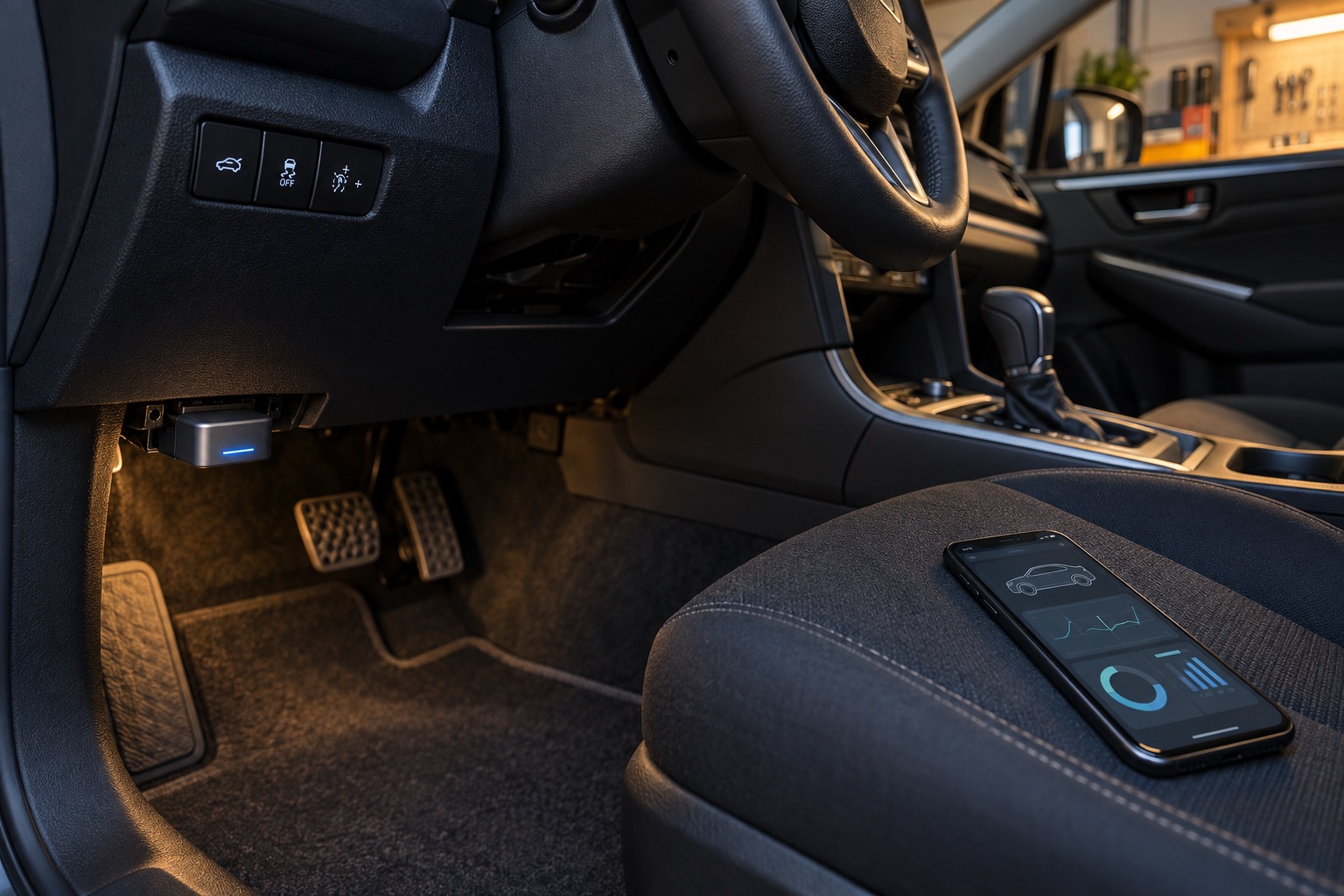
BlueDriver depends on a compatible iOS or Android phone, Bluetooth, its app, and an account. The phone display makes reports, graphs, saved vehicles, and explanations easy to organize, but adds phone battery, operating-system support, permissions, and screen visibility to the session.
The 5610 performs its central work through a dedicated handheld display and controls. RepairSolutions2 is optional according to INNOVA, so the tool is less phone-dependent during a test. The tradeoff is carrying and updating another piece of hardware and navigating a deeper menu structure for advanced functions.
Diagnostic depth
Reading a module and commanding a module are different capability levels
BlueDriver can read supported enhanced systems such as ABS and airbags on compatible vehicles, but it should not be represented as a general bidirectional platform. The 5610 adds supported active tests and special functions. For example, an active command may help determine whether a module can operate a pump, valve, fan, or other component under controlled conditions.
Neither product guarantees every module or every command. INNOVA explicitly requires a function-level coverage check, while BlueDriver separates standard OBD2 support from enhanced-system coverage. Security gateways can further limit operations, especially on some newer vehicles.
More control does not replace diagnosis. Save codes and freeze-frame data, understand prerequisites, follow service information, and use safe working conditions. A command response is evidence; it is not automatically a final diagnosis.
Limits and escalation
The 5610 goes further, but neither tool covers every professional task
INNOVA says the 5610 does not reprogram vehicle computers or program key fobs. BlueDriver is likewise not positioned as a broad shop-level programming platform. Coding, flashing, immobilizer work, complex calibrations, advanced security access, and manufacturer-specific guided diagnostics may require different hardware, credentials, subscriptions, or professional service.
BlueDriver is broadly positioned for compatible 1996-and-newer North American cars, SUVs, and light trucks, with enhanced coverage varying by vehicle. INNOVA describes the 5610 as intended for supported U.S. and Canadian vehicles and notes regional and newer FCA security-gateway limits. Imported or specialty vehicles deserve an especially careful check.
Buying decision
Choose BlueDriver for repeat code context; choose the 5610 for a confirmed advanced workflow
Choose BlueDriver when portability, a phone-based interface, repair reports, emissions tools, and supported enhanced-code access cover the real need. It is easier to justify for many owners moving up from a generic reader but not yet performing active tests or service routines.
Choose the Innova 5610 when a specific supported bidirectional command, relearn, reset, calibration, or OEM data stream will be used and the operator understands the procedure. Before checkout, compare exact coverage, included cables, update process, warranty, seller, return period, and the ASIN associated with the listing.
Choose neither as an automatic substitute for a professional diagnosis. Severe drivability symptoms, flashing warnings, braking or restraint faults, high-voltage systems, programming, and procedures with safety-critical prerequisites may require trained service and vehicle-specific equipment.
Frequently asked questions
What buyers ask about Innova 5610 and BlueDriver OBD2 Scanners
Is the Innova 5610 more advanced than BlueDriver?
For supported vehicles, the 5610 adds bidirectional tests and service routines that BlueDriver is not positioned to provide. BlueDriver remains attractive for portable app-based reports, live data, and enhanced code access.
Do Innova 5610 and BlueDriver require subscriptions?
Both companies currently state that their core products do not require subscriptions. INNOVA also says updates are free and RepairSolutions2 is optional and free. Confirm current terms before purchase.
Which scanner is easier for a beginner?
BlueDriver’s app-centered reports may be easier for code research. The 5610’s deeper controls are most useful when the user understands active-test prerequisites and has verified the exact function needed.
Can either scanner program keys or ECUs?
Do not assume so. INNOVA explicitly says the 5610 does not reprogram vehicle computers or program key fobs, and BlueDriver is not a broad programming platform.
Which scanner is better for ABS work?
BlueDriver can read ABS codes on supported vehicles. The 5610 may additionally offer supported active tests, ABS bleeding, or related routines. Verify the exact vehicle and function in the official coverage tools.
Primary sources checked
Official documentation used for this guide
Specifications, software, bundles, warranties, and compatibility can change. These primary sources were checked while preparing this page; confirm the current information for the exact model before purchase.
Product links