Research-led product guide
Innova 5610 Bidirectional OBD2 Scanner: the answer in context
The Innova 5610 is positioned above a basic code reader: INNOVA documents all-system diagnostics, OEM and OBD2 live data, bidirectional component tests, and a broad menu of resets, relearns, routines, and calibrations. That capability can make it valuable for serious DIY work, but only when the exact function is confirmed for the vehicle. The phrase “bidirectional scanner” does not mean every active test works on every year, make, model, engine, module, or regional configuration.
- Core format
- Standalone handheld scanner with optional free RepairSolutions2 app support
- Advanced role
- All-system scan, supported bidirectional tests, OEM live data, resets, routines, and calibrations
- Coverage rule
- Check the exact vehicle and exact function in INNOVA’s coverage tool before purchase
- Current ongoing fees
- INNOVA currently states updates are free and there is no subscription
- Important limit
- No ECU reprogramming or key-fob programming, according to INNOVA
Our view is based on published specifications, manufacturer documentation, and category research. Where we have not performed hands-on testing, we do not imply that we have.
Innova 5610 review verdict
A meaningful step beyond code reading when the required active test is supported
The 5610 makes the most sense for an owner who already understands that retrieving a code is only the beginning. INNOVA lists engine, transmission, ABS, SRS, and other system diagnostics; graphing and recording of OBD2 and OEM live data; bidirectional commands; and service functions such as supported resets, relearns, calibrations, ABS bleeding, injector coding, and electronic parking-brake work. Those features can help separate an electrical command problem from a component or mechanical problem when used with the correct service procedure.
We have not independently tested the 5610 on every vehicle or verified every function in INNOVA’s current list. Coverage varies materially. The safe buying method is to enter the exact year, make, model, and configuration into the official coverage checker and confirm the specific test or routine needed—not merely that the scanner connects to the vehicle.
The 5610 should not be framed as a universal dealership replacement. INNOVA explicitly says it does not reprogram vehicle computers or support key-fob programming. Some newer FCA vehicles also have security-gateway restrictions that limit what the handheld scanner can do without AutoAuth-capable equipment.
- Strong fit: experienced DIY diagnosis with a defined supported function
- Weak fit: a one-time generic check-engine-code read
- Coverage evidence should name the vehicle and the exact active test or routine
What bidirectional means
The scanner can request an action—but the vehicle decides which actions exist
A normal scan reads information sent by vehicle modules. A bidirectional test can also send a supported command, such as requesting a component or system action for diagnosis. This can help determine whether a module can command a device and whether the device, wiring, power, ground, hydraulics, or mechanics respond as expected.
A command is not automatically safe or appropriate. Active tests can move parts, change engine behavior, operate pumps or valves, and require controlled conditions. Use the vehicle’s service information, secure the work area, understand prerequisites, and stop when the procedure is unfamiliar. Safety-critical braking, restraint, high-voltage, immobilizer, or calibration work may require trained service.
INNOVA’s own comparison guidance warns against assuming that “bidirectional” means every feature on every vehicle. Verify the specific command—such as an ABS pump test, fan command, injector test, or relearn—rather than relying on the category label.
Compatibility and region
North American OBD2 compatibility is the baseline; advanced coverage is the real decision
INNOVA states that the 5610 works with most compatible vehicles manufactured for the United States or Canada and that available functions vary by year, make, and model. The company also describes the product as region-restricted to North American protocols; use outside the United States and Canada is not generally supported except for qualifying U.S.-import vehicles in Mexico.
For 2018-and-newer FCA vehicles that require secure-gateway authorization, INNOVA documents limitations because its handheld and dongle scanners do not access AutoAuth. The tool may still expose some information or functions, but code clearing, resets, and initialization can be restricted. Security architecture matters as much as the physical OBD2 connector.
INNOVA also lists optional OBD1 coverage for the 5610 with a separately purchased cable. Do not treat that as built-in universal classic-car compatibility; verify the exact vehicle, cable, and supported functions.
Handheld and app workflow
The tool works as a handheld; RepairSolutions2 is an optional context layer
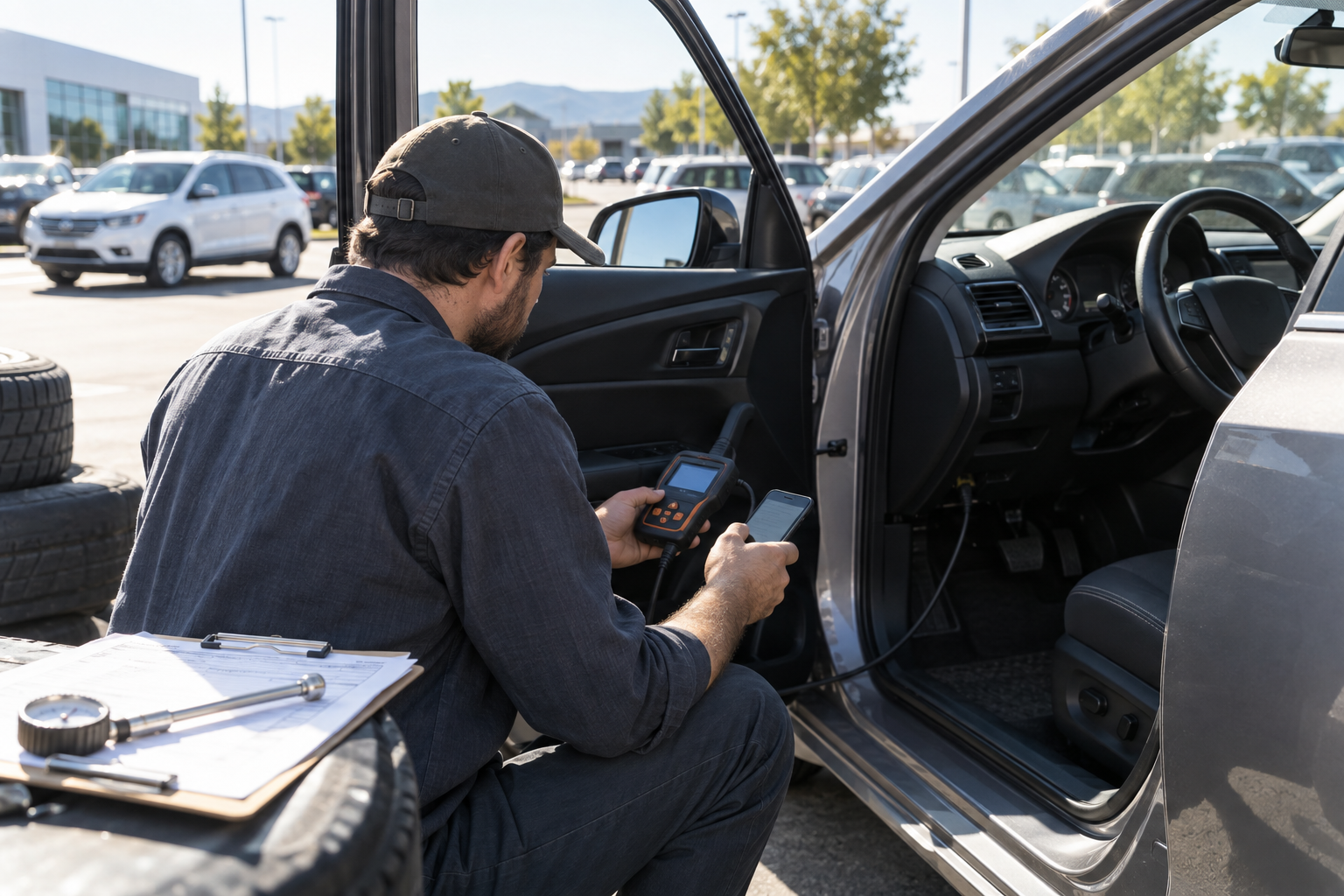
The 5610’s dedicated display and controls make it less dependent on a phone for basic scanning and active-test work. That can be useful in a garage where gloves, notifications, phone battery, and Bluetooth permissions would add friction. The scanner still needs current firmware and a disciplined process for saving codes, freeze-frame information, live data, and test results before clearing anything.
INNOVA says its RepairSolutions2 app is optional and free. The app can add verified-fix recommendations, scan exports, predicted repairs, technical service bulletin access, and other supporting information. These are research aids, not proof that the first suggested part is defective. Confirm faults with inspection, measurement, service information, and an appropriate test plan.
- Save codes and conditions before clearing
- Record live data under a defined operating condition
- Use suggested fixes to form tests, not to skip diagnosis
Who should buy it
Buy it for a confirmed advanced job, not for the word “professional”
Shortlist the 5610 if you maintain several compatible vehicles, already use wiring diagrams and service procedures, or need a particular active test, reset, relearn, calibration, or OEM data stream that INNOVA confirms for the vehicle. Its current no-subscription and free-update policy can make ownership easier to forecast, but policies should still be rechecked at purchase.
Choose a simpler scanner when the recurring task is generic engine-code retrieval, emissions readiness, or basic live data. Choose a higher professional platform when required work includes ECU programming, key programming, broad security-gateway access, advanced topology, extensive coding, or shop-level coverage across many brands. The right tool is defined by the verified job, not by the highest feature count.
Frequently asked questions
What buyers ask about Innova 5610 Bidirectional OBD2 Scanner
Is the Innova 5610 truly bidirectional?
INNOVA documents bidirectional system tests on supported vehicles. Available commands vary by year, make, model, module, and configuration, so confirm the exact active test in the official coverage checker.
Does the Innova 5610 require a subscription?
INNOVA currently states that updates are free and there is no subscription. RepairSolutions2 is described as optional and free. Recheck current terms before purchase.
Can the Innova 5610 program keys or vehicle computers?
INNOVA states that the 5610 does not reprogram vehicle computers and does not support key-fob programming.
Will the Innova 5610 work outside the United States?
INNOVA describes the tool as region-restricted for U.S. and Canadian protocols. It says Mexican users may use it with a qualifying U.S.-import vehicle; verify the exact vehicle and region before purchase.
Does the Innova 5610 work on newer Jeep, Chrysler, or Dodge vehicles?
Coverage may be limited on 2018-and-newer FCA vehicles that require secure-gateway access because INNOVA says its handheld scanners cannot access AutoAuth. Check the exact vehicle and function.
Primary sources checked
Official documentation used for this guide
Specifications, software, bundles, warranties, and compatibility can change. These primary sources were checked while preparing this page; confirm the current information for the exact model before purchase.
Product links