Decision lab
Start with the choice, not the feature list.
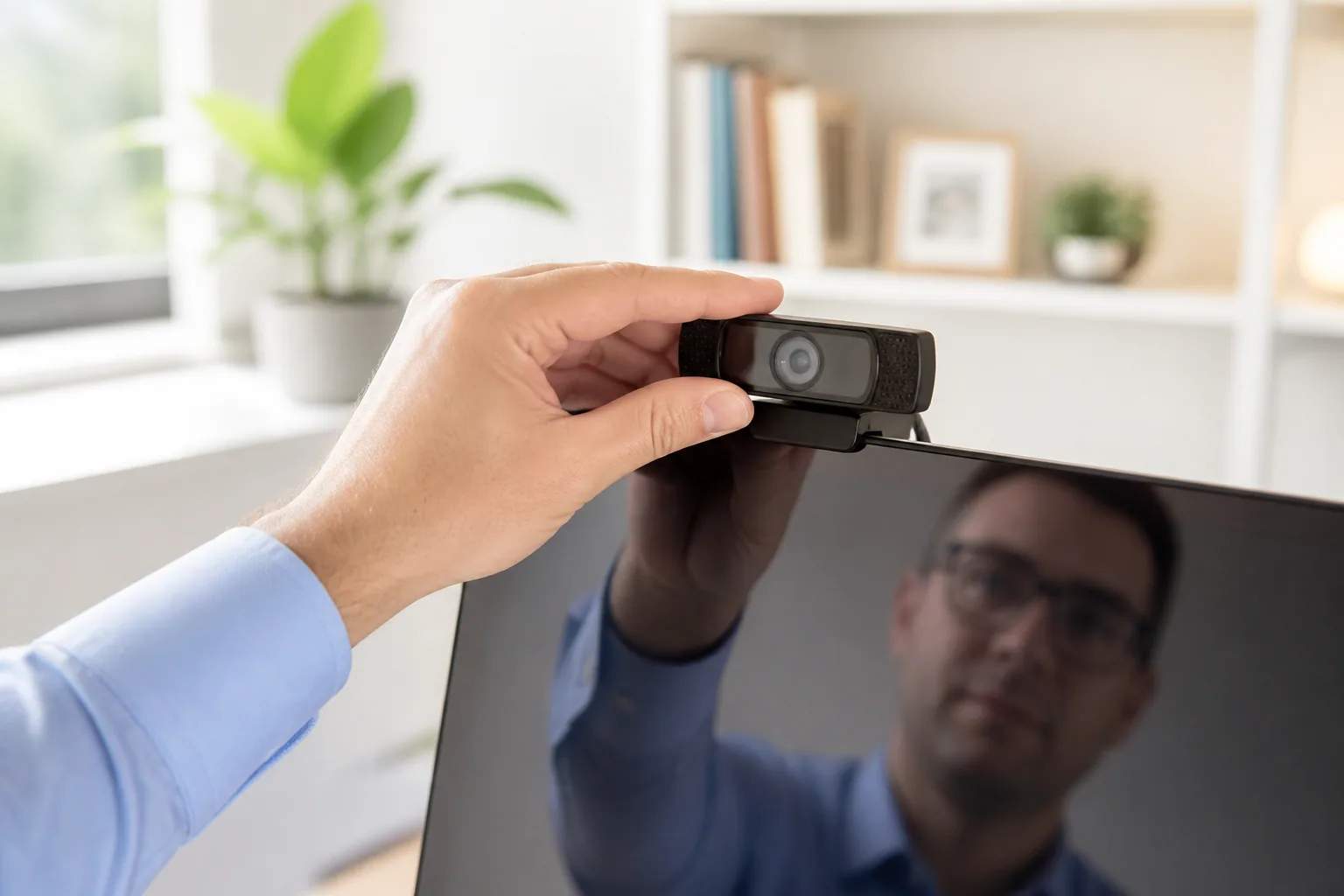
Good placement and stable exposure usually improve calls more than chasing the highest resolution label.
A three-part decision matrix
hybrid meetings and desktop monitors without a useful built-in camera
Mount stability affects eye line; Lighting remains important.
The main compromise conflicts with the way you expect to use it most days.
Do not score every feature equally. Give the most weight to the requirement that would make the purchase fail: physical fit, device support, usable capacity, comfort, or maintenance burden.
Before checkout
Run these checks in order
- Match the exact model. Similar names can hide different capacities, generations, bundles, and regional versions.
- Measure the environment. Product photography is a poor substitute for dimensions, cable reach, clearance, and storage space.
- Price the complete setup. Include required cables, mounts, filters, batteries, accessories, and recurring supplies.
- Read the return and warranty terms. Marketplace seller terms may differ from the manufacturer’s direct policy.
Our view is based on published specifications, manufacturer documentation, and category research. Where we have not performed hands-on testing, we do not imply that we have.
The deeper read
Work-from-home webcams in context
Before assigning a winner, examine four variables that can change the result of the comparison.
Ergonomics comes before the spec sheet
A product used for hours must fit the body and the desk. Clamp pressure, key spacing, control reach, eye line, speaker distance, microphone position, and cable movement affect comfort and consistency. Measure the setup while seated in the normal working position, not from an empty desk.
The room is part of the system
Sound, video, and voice quality change with walls, windows, desk reflections, lighting, fans, keyboards, and distance. Hardware cannot fully compensate for poor placement. Before upgrading, try moving the current device, improving front lighting, softening a reflective room, or placing a microphone closer to the speaker.
Connections shape the workflow
Bluetooth profiles, USB support, analog inputs, device switching, operating-system controls, and companion apps determine how smoothly equipment moves between work and personal use. List the devices that need to connect and the order in which they are used. A missing input or awkward switch can outweigh a premium feature.
Judge the long session
A five-minute demonstration can hide fatigue, battery anxiety, hot ear cups, awkward shortcuts, unstable mounts, and distracting indicator lights. Consider a complete meeting, editing session, flight, or workday. Controls should be easy to find without looking, and the product should recover gracefully when a connection or application changes.
Turn the guide into a shortlist
A buying guide should reduce the field, not encourage endless comparison. For work-from-home webcams: framing beats resolution alone, start with three non-negotiables: the environment it must fit, the primary task it must complete, and the ownership burden you will accept. Remove every option that fails one of those conditions before looking at premium features. A shortlist of two or three well-matched products is more useful than a ranking of ten products built for different people.
Next, write one sentence for the compromise attached to each finalist. Perhaps the smallest option needs more frequent batches, the wireless option gives up some efficiency, or the higher-output model occupies more room. When the compromise is explicit, the choice becomes personal in a productive way. You are no longer asking which product is best in the abstract; you are deciding which drawback will appear least often in your routine.
Before checkout, confirm the precise model, included accessories, seller identity, regional warranty, delivery and return terms, and the latest manufacturer instructions. Save important compatibility information when it affects the decision. If a safety, electrical, food-contact, charging, installation, or vehicle requirement applies, the current official instructions take priority over a general guide. The last step is permission to wait: uncertainty is a valid reason not to buy yet.
Good placement and stable exposure usually improve calls more than chasing the highest resolution label.
Buy only when the winning side of the matrix describes your real routine—not an occasional edge case.